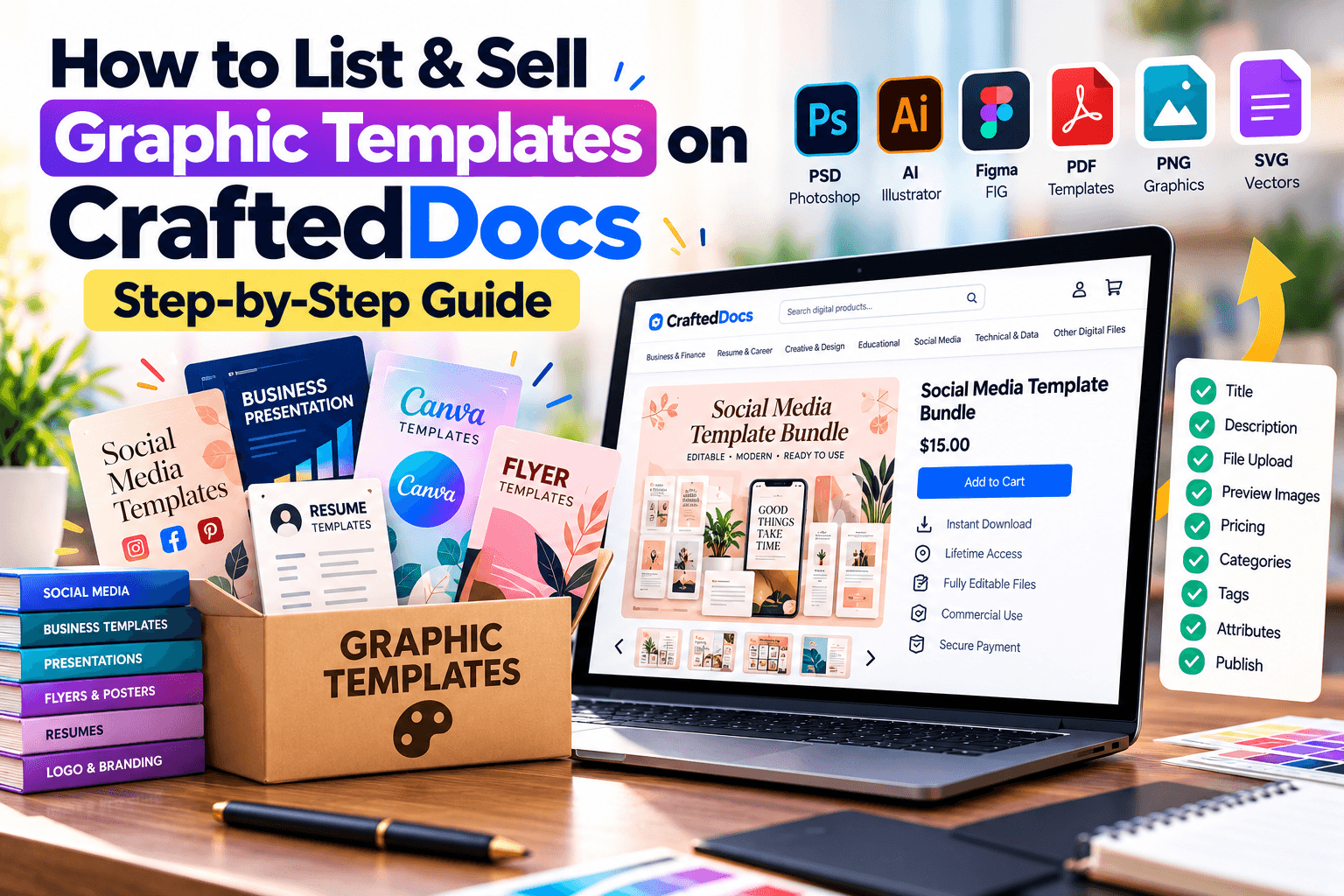
The Graphic Template category is built for designers and creators selling visual, editable design files — the kind of content a buyer opens in Canva, Photoshop, or Illustrator rather than reads top to bottom. This guide covers exactly what belongs here and how to fill in the listing form correctly.
What Counts as a "Graphic Template"
This category covers design assets meant to be opened, edited, or used visually rather than read as text. Common examples:
- Canva templates — social media posts, Instagram carousels, posters, flyers
- Photoshop files (PSD) — editable design mockups, banners, thumbnails
- Illustrator files (AI) — logos, vector art, icon sets
- Figma exports — UI kits and design components
- Icon packs and SVG sets — reusable graphic elements
- PNG/JPG asset packs — stock-style graphics, textures, backgrounds
If your image is meant to be edited by the buyer in a design tool, list it here. If it's a finished document like a resume or report someone will read, it likely belongs under Word Document or Notes & PDFs instead.
File Requirements for This Category
| Requirement | Detail |
|---|---|
| Accepted formats | .pdf .png .jpg .zip .psd .ai .svg |
| Max file size | 100MB |
| Cover image | Required — JPG, PNG or WebP, max 5MB |
| Free preview file | Optional — max 8MB, e.g. a watermarked preview |
| Gallery images | Optional — up to 6, max 5MB each |
Step-by-Step: Listing Your Graphic Template
- Select "Graphic Template" from the category tabs on the listing form.
- Write a clear title — e.g. "Modern Resume Template Pack (Canva + PDF)" tells buyers the tool and format immediately.
- Set your price in ₹ — minimum ₹9, you keep 80% of every sale.
- Add a sale/offer price (optional) — must be at least ₹5 below your regular price.
- Enter the number of assets or slides included — e.g. "48" for a 48-icon pack, so buyers can judge value.
- Write your description — mention the software required to edit it (Canva, Photoshop, etc.), dimensions, and what's included.
- Add tags — e.g. "resume, template, Canva, editable" — these directly power search and discovery.
- Upload your file — a ZIP works well for multi-file packs; a single PSD, AI, or PDF works for single templates. You can also add an external link.
- Add a free preview file (optional) — a watermarked or low-res version of your design builds buyer trust before purchase.
- Upload a cover image — required. The platform's own tip here is direct: listings with a cover image get significantly more purchases.
- Add gallery images (optional) — show multiple angles or variations of your design, up to 6 images.
- Confirm the originality checkbox to certify the design is your own work.
- Click "List for sale" — your listing is reviewed and typically live within 24 hours.
Tips for Designers Selling on CraftedDocs
- Always fill in the gallery images — buyers browsing design products want to see multiple views before committing.
- Mention exactly which software is needed to edit the file (and whether a free version, like Canva's basic tier, is enough).
- List related templates as a bundle under Other Digital File once you have several — bundles often outsell single templates.
- Use specific, searchable tags rather than generic ones — "Instagram carousel template" beats just "template".
Frequently Asked Questions
Can I sell templates that require paid software like Photoshop?
Yes, just state clearly in your description which software (and version, if relevant) is required to open and edit the file.
What's the difference between Graphic Template and Other Digital File for design assets?
Graphic Template is specifically for design/image files (PSD, AI, Canva, SVG, PNG); fonts, audio, or code should go under Other Digital File instead.
Should I upload a ZIP or individual files?
For multi-file packs (like an icon set), a single ZIP is cleaner for both you and the buyer. For a single template, upload the file directly.
Do I need to include a Canva link as well as a file?
You can add an external link if your template lives on Canva — just make sure the link gives buyers direct access to duplicate the design.
Ready to put your notes to work? Create a free seller account on CraftedDocs and upload your first file today — it takes less than ten minutes to go live.