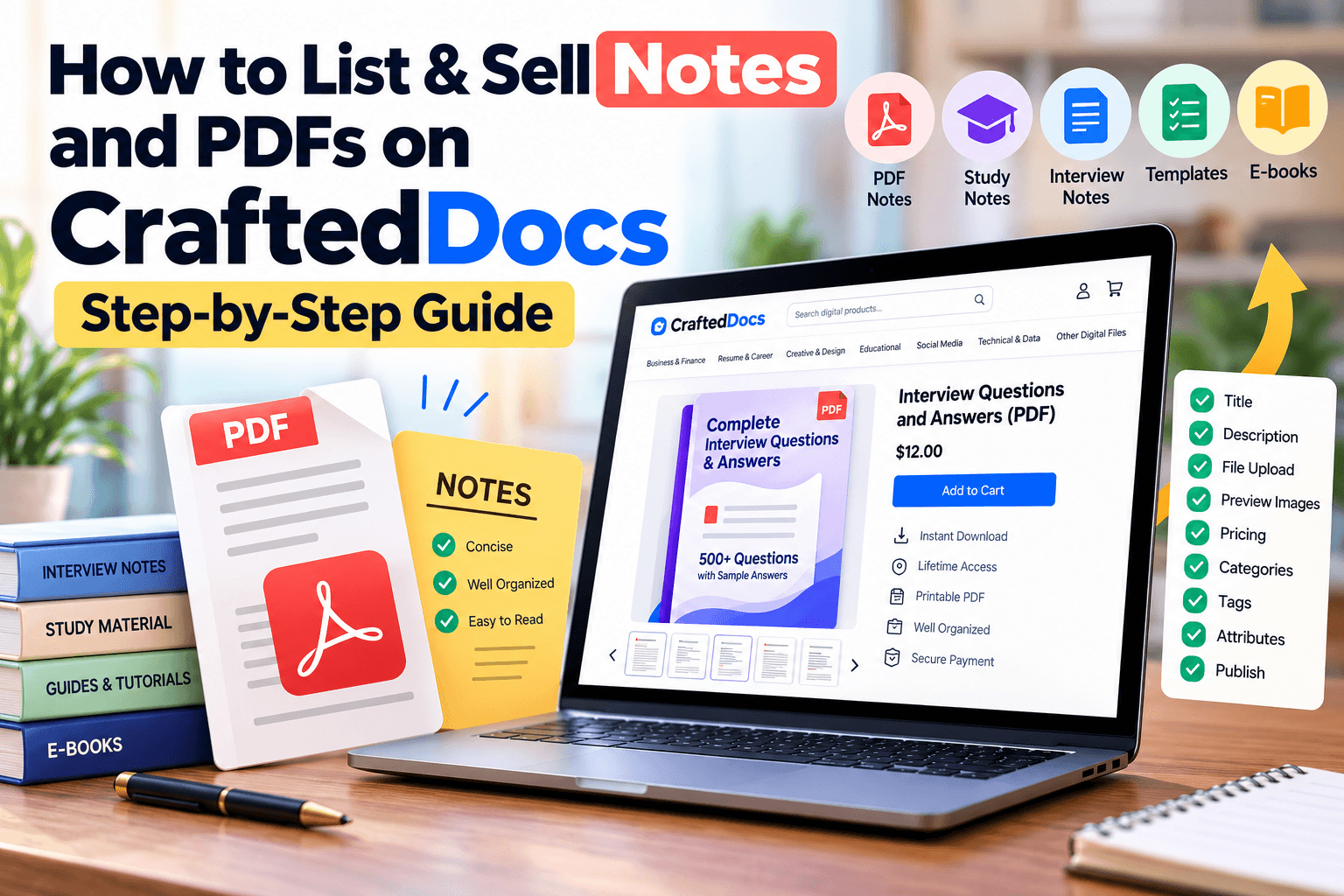
The Notes & PDFs category is the most-used listing type on CraftedDocs — it's built for anything you'd naturally hand someone as a finished PDF: class notes, exam papers, project reports, guides, and more. This guide walks through the exact listing form field by field, so you know precisely what to fill in and why.
What Counts as "Notes & PDFs"
If your content is text-and-diagram based and makes sense as a single downloadable PDF, it belongs here. Common examples sellers list in this category:
- Handwritten or typed study notes (subject-wise, chapter-wise, or exam-specific)
- Previous-year papers and solved question banks
- Project reports and lab manuals
- eBooks and guides on any topic (career, hobby, technical, or academic)
- Research summaries and thesis excerpts
- Assignments and case study write-ups
If your file is meant to be edited by the buyer — like a fill-in-the-blanks template — it usually fits better under Word Document instead of Notes & PDFs, which is meant for finished, read-only content.
File Requirements for This Category
| Requirement | Detail |
|---|---|
| Accepted format | PDF only |
| Max file size | 50MB |
| Cover image | Required — JPG, PNG or WebP, max 5MB |
| Free preview file | Optional — max 8MB, e.g. first few pages |
| Gallery images | Optional — up to 6, max 5MB each |
Step-by-Step: Listing Your Notes or PDF
- Select "Notes & PDFs" from the category tabs at the top of the List Your Digital File for Sale form.
- Add a title — be specific. "Ultimate Instagram Growth Guide (PDF)" tells a buyer exactly what they're getting, far better than a vague title.
- Select a subject/topic from the dropdown so your listing surfaces in the right search filters.
- Set the skill level (e.g. School, College, Professional) so buyers can quickly judge if it matches their level.
- Set your price in ₹ — minimum ₹9, and remember you keep 80% of whatever you charge.
- Add a sale/offer price (optional) — this shows with a strikethrough on the original price and must be at least ₹5 lower.
- Enter the number of pages — this helps buyers judge value at a glance.
- Write your description — up to 10,000 characters. Cover what's included, who it's for, and what makes it useful. No H1 needed; your title already covers that.
- Add comma-separated tags — think of the words a buyer would actually search, e.g. "NEET, biology, notes, chapter-wise".
- Upload your PDF via the Upload File option, or paste an External Link if it's hosted elsewhere.
- Add a free preview file (optional but recommended) — a few sample pages so buyers can check quality before paying.
- Upload a cover image — required. A screenshot of your first page works well as a quick thumbnail.
- Add gallery images (optional) — up to 6 additional preview screenshots.
- Confirm the originality checkbox, confirming the file is your own work and doesn't infringe on anyone's copyright.
- Click "List for sale" — your listing goes live after review, typically within 24 hours.
Tips to Make Your PDF Listing Sell Better
- Always add a free preview file — listings with one convert noticeably better than those without.
- Use the subject and skill-level fields accurately; they're how buyers filter search results.
- A cover image that actually shows a page of your content (not a generic graphic) builds more trust.
- Keep your description scannable — a short intro line, then a bullet list of what's covered.
Frequently Asked Questions
Can I upload a scanned handwritten PDF?
Yes — as long as it's exported as a single, legible PDF file under 50MB.
What if my notes are longer than 50MB?
Compress your PDF before uploading, or consider splitting it into a multi-part bundle listed under Other Digital File as a ZIP.
Do I need to fill in Subject/Topic and Skill Level?
They're strongly recommended — leaving them blank makes your listing harder to find in filtered searches.
Can I edit my listing after it's published?
Yes, you can update your title, description, price, and files at any time from your seller dashboard.
Ready to put your notes to work? Create a free seller account on CraftedDocs and upload your first file today — it takes less than ten minutes to go live.