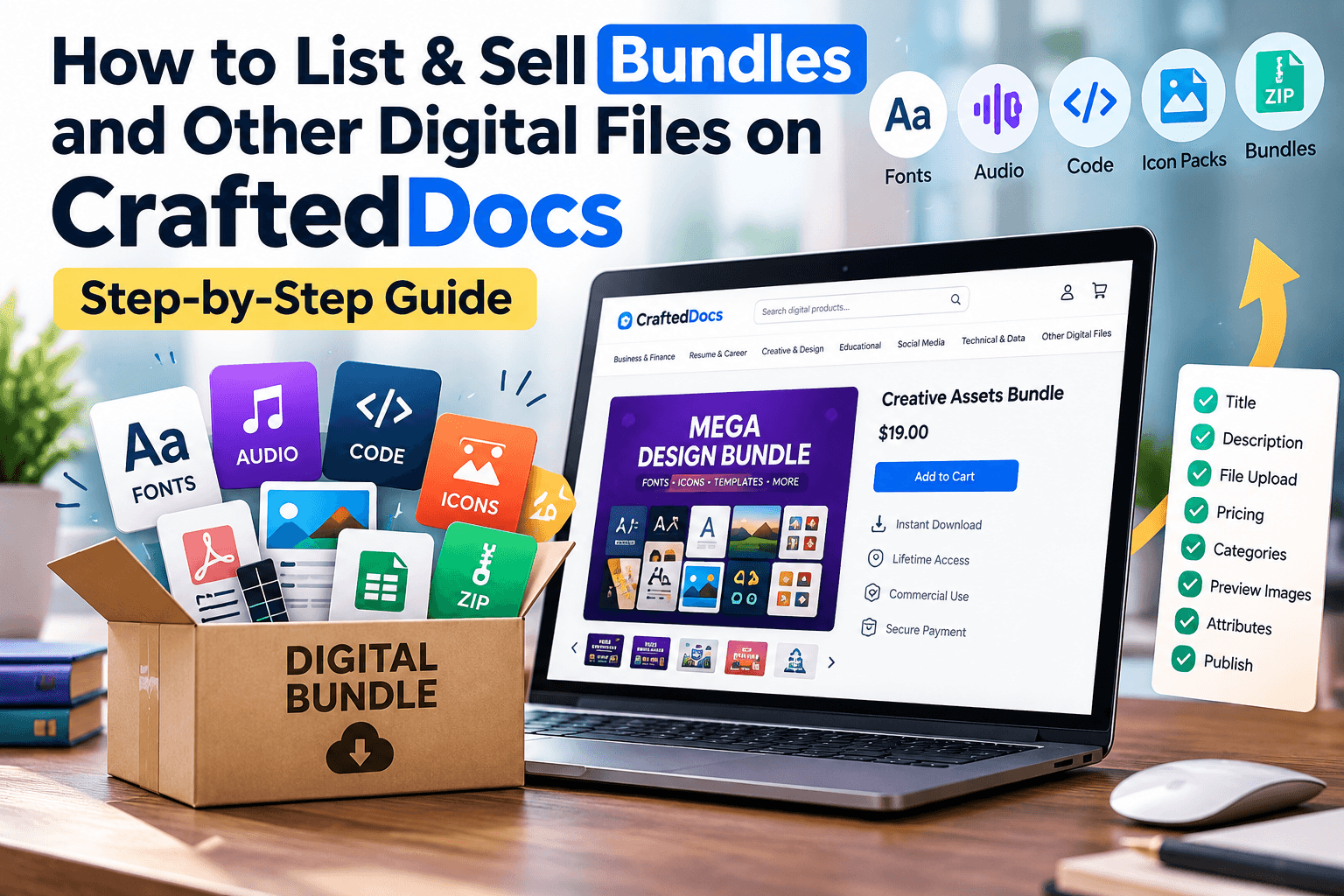
The Other Digital File category is CraftedDocs' catch-all for anything digital that doesn't fit neatly into Notes, Graphics, Spreadsheets, Presentations, or Word Documents. It's also the category most sellers use for bundles — multiple related files packaged and sold as one big-value listing. This guide explains exactly what fits here and how to list it.
What Counts as "Other Digital File"
- Bundles and full-pack listings — a mix of notes, templates, and resources sold together as one ZIP
- Fonts — custom typefaces and font families
- Audio files — music, sound effects, voiceover packs, podcasts
- Code and scripts — templates, snippets, small tools, plugin files
- Icon packs — large multi-format icon libraries
- Big, mixed-format files — anything that doesn't cleanly belong to a single other category
This is the right category any time your listing combines multiple file types — for example, a 'Complete NEET Prep Pack' bundling PDF notes, an Excel revision tracker, and a PPTX summary deck all in one ZIP.
File Requirements for This Category
| Requirement | Detail |
|---|---|
| Accepted formats | Most file types (ZIP, PNG, JPG, SVG, MP3, PDF, and more) |
| Max file size | 100MB |
| Cover image | Required — JPG, PNG or WebP, max 5MB |
| Free preview file | Optional — max 8MB, e.g. a sample from the bundle |
| Gallery images | Optional — up to 6, max 5MB each |
Step-by-Step: Listing Your Bundle or Other File
- Select "Other Digital File" from the category tabs on the listing form.
- Write a specific title — e.g. "Social Media Icon Pack — 200 SVG Icons" clearly states the format and quantity.
- Set your price in ₹ — minimum ₹9, you keep 80% of every sale. Bundles typically justify a higher price than single files.
- Add a sale/offer price (optional) — must be at least ₹5 below your regular price, shown with a strikethrough.
- Enter the number of files/items — this is especially important for bundles, so buyers immediately see the total value.
- Write your description — for a bundle, list out exactly what's included (e.g. "12 PDF note sets + 1 Excel tracker + 3 PPTX decks"), since buyers can't preview every component individually.
- Add tags — cover every content type in your bundle (e.g. "notes, tracker, presentation, bundle") so it surfaces across multiple searches.
- Upload your file — a single ZIP is the standard format for bundles; individual files work for a single asset like a font.
- Add a free preview file (optional) — one representative sample from the bundle helps buyers judge overall quality.
- Upload a cover image — required. For bundles, a collage or list-style graphic showing what's inside works better than a single item shot.
- Add gallery images (optional) — showcase a few different items from the bundle, up to 6 images.
- Confirm the originality checkbox to certify every file in the bundle is your own original work.
- Click "List for sale" — listings are reviewed and typically live within 24 hours.
Tips for Selling Bundles and Big Packs Well
- Break down bundle contents into a clear list in your description — vague "everything you need" descriptions convert worse than a specific inventory.
- Price bundles below the sum of what the individual items would cost separately — the discount is the core appeal of a bundle.
- Use your best-performing individual listings as the anchor items inside a new bundle to boost its appeal.
- For fonts or code, always specify the license terms (personal use, commercial use, etc.) clearly in the description.
Frequently Asked Questions
What's the biggest file size I can upload here?
Up to 100MB per listing. For larger bundles, compress files well or consider splitting into multiple listings.
Can I mix file types in one bundle, like PDFs and Excel sheets together?
Yes — that's exactly what this category is designed for. Package them into a single ZIP and describe each component clearly.
Should individual items from my bundle also be listed separately?
Many sellers do both — separate listings capture buyers who want just one item, while the bundle captures buyers wanting everything at a discount.
Can I sell fonts or audio files that I didn't fully create myself?
Only if you have explicit resale/redistribution rights — otherwise this would violate the originality and copyright confirmation on the listing form.
Ready to put your notes to work? Create a free seller account on CraftedDocs and upload your first file today — it takes less than ten minutes to go live.