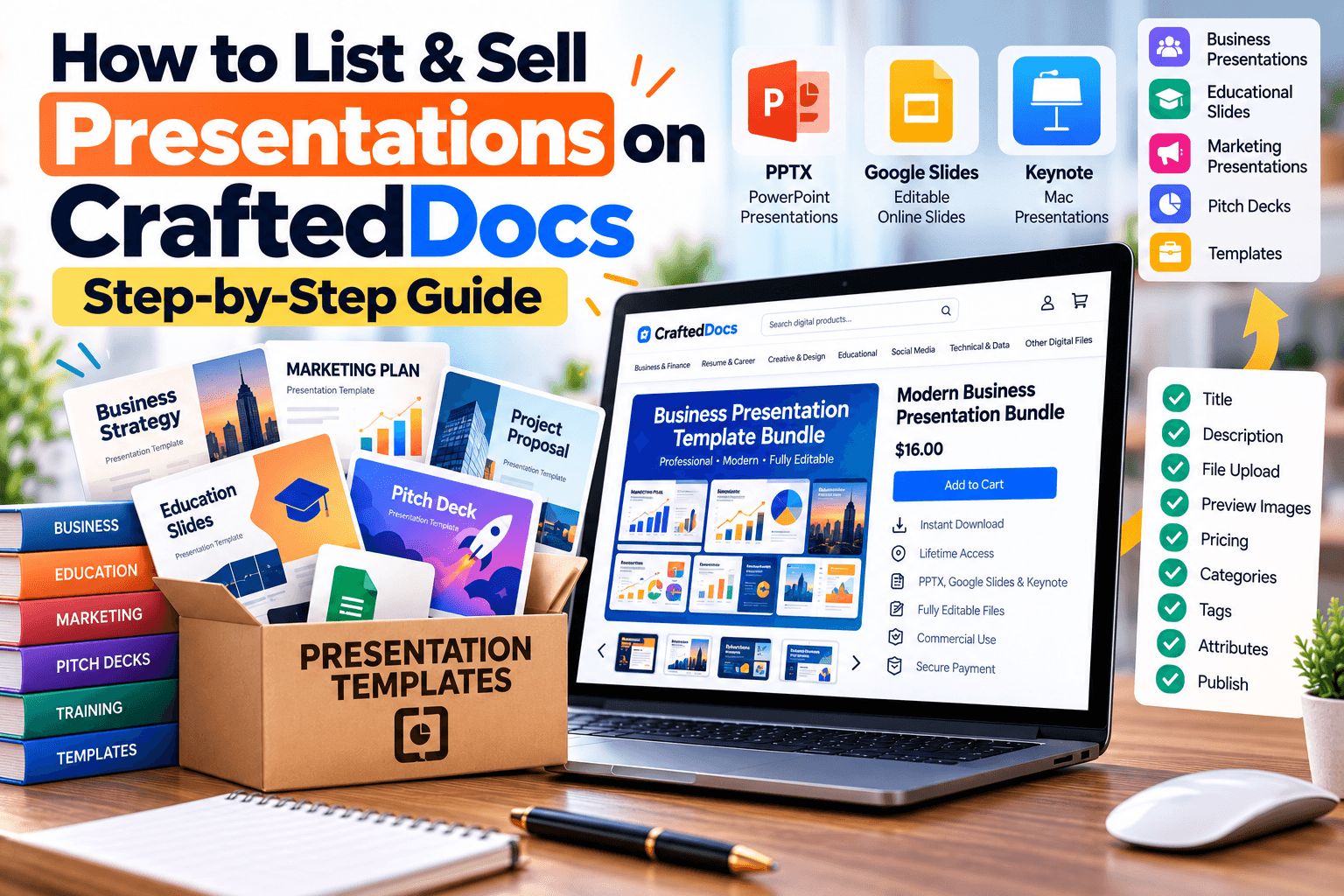
The Presentation category is for slide decks — PowerPoint, Google Slides exports, and Keynote files. Whether you design pitch decks, academic presentations, or business templates, this guide covers exactly how to list them correctly.
What Counts as a "Presentation"
- Pitch decks — startup, business, or sales presentation templates
- Academic presentations — seminar slides, project presentations, thesis defence decks
- Business templates — quarterly reports, company profile decks, proposal templates
- Educational slide decks — teaching material, training modules, workshop content
- Portfolio and personal branding decks
If your presentation is mostly a set of reusable, editable design elements rather than complete, ready-to-present content, consider whether it fits better as a Graphic Template — for example, a pack of slide backgrounds without any content.
File Requirements for This Category
| Requirement | Detail |
|---|---|
| Accepted formats | .pptx .ppt .pdf .key |
| Max file size | 100MB |
| Cover image | Required — JPG, PNG or WebP, max 5MB |
| Free preview file | Optional — max 8MB, e.g. a few sample slides |
| Gallery images | Optional — up to 6, max 5MB each |
Step-by-Step: Listing Your Presentation
- Select "Presentation" from the category tabs on the listing form.
- Write a specific title — e.g. "Business Pitch Deck Template — 20 Slides (PPTX)" tells buyers the format and scope immediately.
- Set your price in ₹ — minimum ₹9, you keep 80% of every sale.
- Add a sale/offer price (optional) — must be at least ₹5 below your regular price.
- Enter the number of slides — this is one of the first things buyers check when comparing decks.
- Write your description — mention the software it's built for, whether it's fully editable, and what sections or slide types are included.
- Add tags — e.g. "pitch deck, business, PowerPoint, editable" — these power search discovery.
- Upload your file — .pptx, .ppt, .pdf, or .key, or add an external link.
- Add a free preview file (optional) — a handful of sample slides helps buyers judge design quality before purchasing.
- Upload a cover image — required. The platform explicitly notes: listings with a cover image get significantly more purchases.
- Add gallery images (optional) — showcase 3-6 different slides from the deck to show variety and quality.
- Confirm the originality checkbox to certify the deck is your own original work.
- Click "List for sale" — listings are reviewed and typically live within 24 hours.
Tips for Selling Presentations Well
- Use gallery images generously — a deck is a visual product, and buyers want to see the actual slide design before paying.
- State clearly whether fonts used are free/system fonts or require a separate purchase, to avoid buyer confusion later.
- Offer a matching "content-only" and "template-only" version if your deck works both ways — it broadens your buyer base.
- Keep slide counts and section breakdowns specific in your description ("Includes 4 title slides, 10 content slides, 3 chart slides...").
Frequently Asked Questions
Can I sell a Google Slides deck directly, or does it need to be a PPTX?
You can export it as .pptx or .pdf, or add an external link if you'd rather share direct Google Slides access.
Do I need to include placeholder content, or can slides be blank?
Either works, but decks with realistic sample content generally sell better since buyers can see exactly how it will look filled in.
What if my presentation uses custom fonts?
Mention this in your description and, where possible, note whether the fonts are free to download so buyers' formatting doesn't break.
Can I sell the same deck as both a Presentation and a Graphic Template listing?
It's best to list it once under whichever category best matches its primary use, to avoid confusing buyers with duplicate listings.
Ready to put your notes to work? Create a free seller account on CraftedDocs and upload your first file today — it takes less than ten minutes to go live.