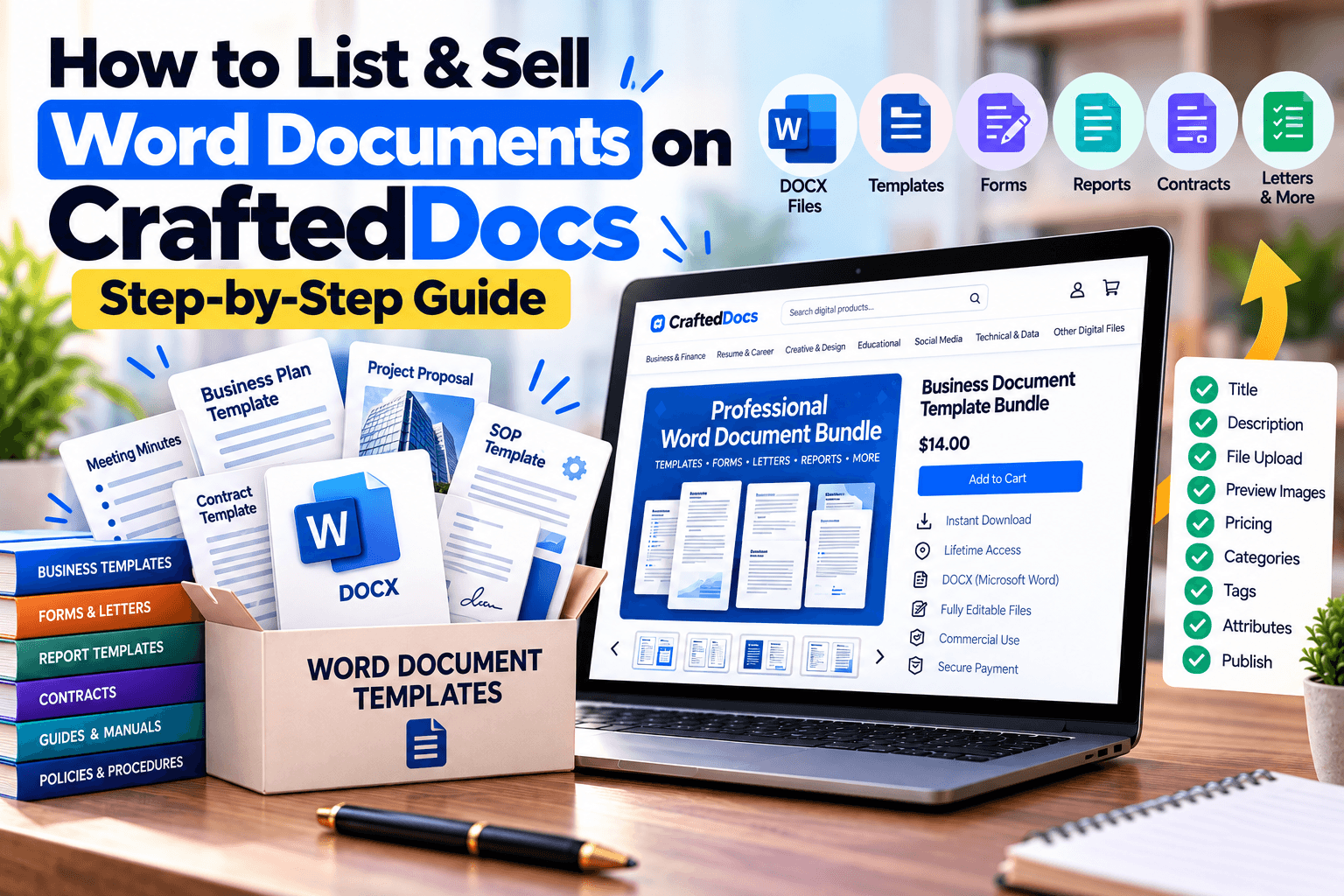
The Word Document category is for editable text-based files — reports, letter templates, contracts, and guides that buyers will open in Word or a similar editor and fill in, customise, or use as-is. This guide covers what belongs here and exactly how to complete the listing form.
What Counts as a "Word Document"
- Cover letter and resume templates — editable, fill-in-the-blank formats
- Contracts and agreements — freelance contracts, rental agreements, NDAs
- Reports — business reports, project reports, case study write-ups
- Guides and how-to documents — editable manuals, SOPs, checklists
- Letter templates — formal letters, application templates, request letters
If your document is meant to be read only, not edited — like finished study notes or a completed eBook — it usually fits better under Notes & PDFs. Word Document is best for content the buyer will actively customise.
File Requirements for This Category
| Requirement | Detail |
|---|---|
| Accepted formats | .docx .doc .pdf .odt |
| Max file size | 50MB |
| Cover image | Required — JPG, PNG or WebP, max 5MB |
| Free preview file | Optional — max 8MB, e.g. a trimmed sample |
| Gallery images | Optional — up to 6, max 5MB each |
Step-by-Step: Listing Your Word Document
- Select "Word Document" from the category tabs on the listing form.
- Write a specific title — e.g. "Professional Cover Letter Templates (5 Designs, DOCX)" tells buyers the format and scope right away.
- Select a subject/topic from the dropdown so it surfaces in relevant filtered searches.
- Set the skill level if relevant (e.g. School, College, Professional) to help buyers judge fit.
- Set your price in ₹ — minimum ₹9, you keep 80% of every sale.
- Add a sale/offer price (optional) — must be at least ₹5 below your regular price.
- Enter the number of pages — a quick signal of scope and depth.
- Write your description — mention what's editable, whether it includes multiple design variants, and what software is needed to open it.
- Add tags — e.g. "resume, template, Canva, editable" as relevant to your file — these directly power search.
- Upload your file — .docx, .doc, .pdf, or .odt, or add an external link.
- Add a free preview file (optional) — a trimmed or partial version builds buyer confidence before purchase.
- Upload a cover image — required. A screenshot of the document, filled with sample content, works best.
- Add gallery images (optional) — show multiple pages or design variants, up to 6 images.
- Confirm the originality checkbox to certify the document is your own original work.
- Click "List for sale" — listings are reviewed and typically live within 24 hours.
Tips for Selling Word Documents Well
- Include a filled-in sample version alongside the blank template — buyers want to see what a completed version looks like.
- Note compatibility clearly (Word, Google Docs, LibreOffice) since formatting can shift slightly between tools.
- Offer multiple design variants in one listing (e.g. "5 Designs") to increase perceived value without extra listing work.
- Keep formatting clean and consistent — inconsistent fonts or spacing is one of the most common reasons for buyer complaints in this category.
Frequently Asked Questions
Should I upload .docx or .pdf for a template buyers need to edit?
Upload the editable .docx (or .odt) version, since the whole point of this category is that buyers can customise it directly.
Can I sell resume templates here, or should they go under Graphic Template?
If it's a Word-editable resume format, list it under Word Document. If it's a Canva or Photoshop design file, Graphic Template fits better.
Do legal templates need a disclaimer?
It's good practice to note that your template is a general starting point and not a substitute for professional legal advice.
What if my document uses fonts the buyer might not have?
Mention this in your description and, where possible, recommend a free, commonly available alternative font.
Ready to put your notes to work? Create a free seller account on CraftedDocs and upload your first file today — it takes less than ten minutes to go live.