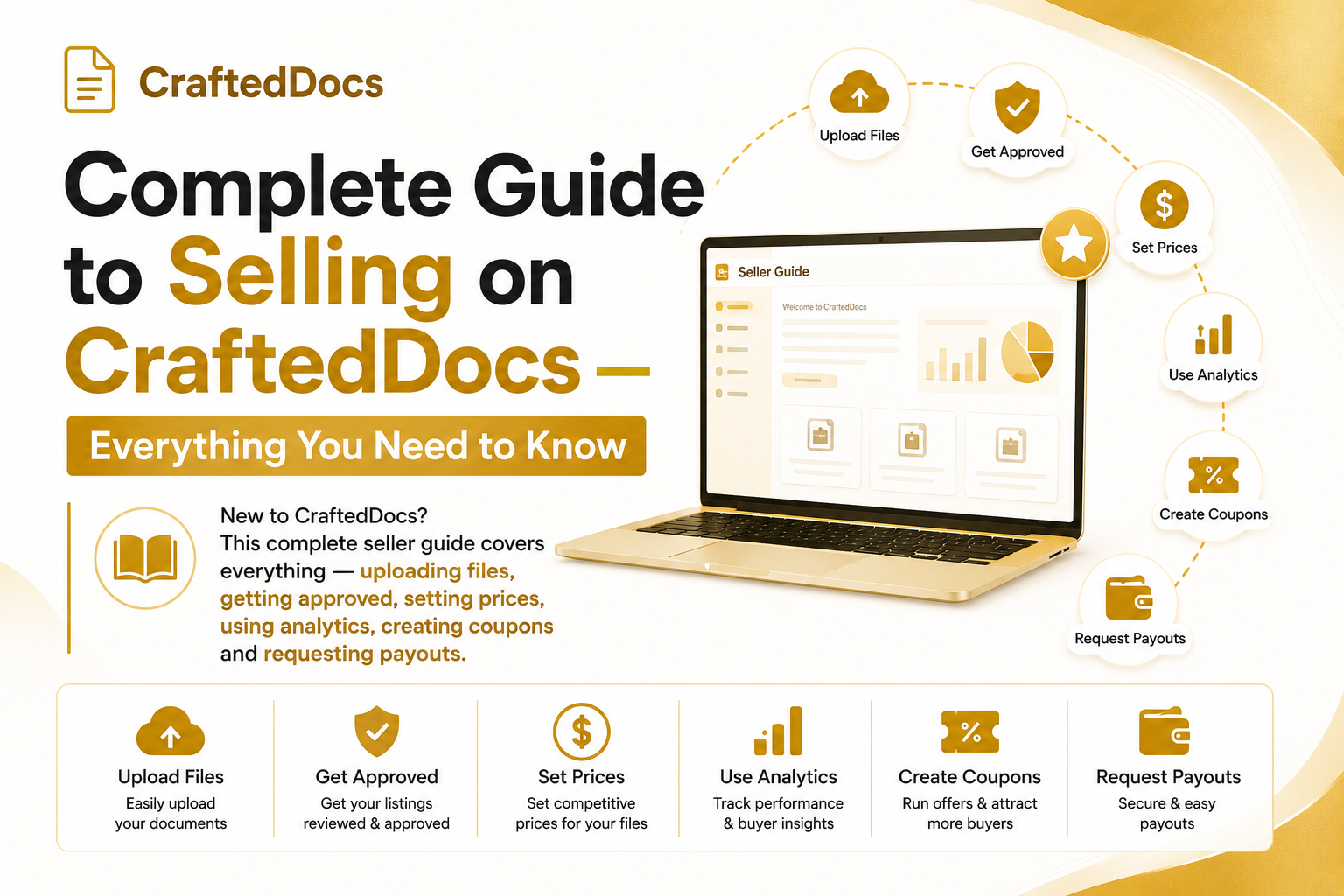
Welcome to CraftedDocs
CraftedDocs is India's biggest marketplace for digital study materials, templates, spreadsheets, presentations and more. As a seller, you upload your files once and earn every time someone buys — with 80% of every sale going directly to you.
This guide walks you through everything, step by step, from creating your account to requesting your first payout.
Step 1: Create Your Seller Account
- Go to crafteddocs.com/sell
- Click Register and fill in your name, email and password
- Your account is created as a seller immediately — no waiting period
- Complete your profile: go to Dashboard → Profile and Settings and add your bio, college and profile photo
Step 2: Upload Your First File
Go to the sell form and fill in:
- Title — be specific: "Economics Notes Class 12 Chapter 1-5" not just "Notes"
- Description — explain exactly what the buyer gets: page count, topics covered, format
- Price — research similar listings. Most notes sell for Rs.29-99. Templates and spreadsheets can go up to Rs.199-499.
- Category and Subject — helps buyers find you through search and filters
- File upload — PDF, DOCX, XLSX, PPTX, ZIP all supported
- Preview file — upload 3-5 pages as a free preview (max 8MB). Strongly recommended.
- Cover image — a clean thumbnail makes your listing stand out in the marketplace grid
Step 3: Wait for Review
After uploading, your listing status is Pending. Our team reviews every listing manually within 24 hours. We check:
- File is not empty, corrupt or password protected (our automated file checker catches most issues immediately)
- Title and description match the actual file content
- Content quality is acceptable (legible, complete, useful)
- No copyright violations
If approved, your listing goes live and buyers can find and purchase it. If rejected, you get a reason and can fix and re-upload.
Step 4: Drive Your First Sales
Getting approved is just the start. Here is how to get your first sales:
- Share in WhatsApp groups — share your seller profile link (crafteddocs.com/seller/yourname) in your college groups. Even one sale from a classmate who leaves a review helps your ranking.
- Create a launch coupon — go to Dashboard → Coupons and create a 20% off code. Share it with the listing link for a limited time.
- Upload more listings — sellers with 5+ listings get dramatically more traffic than sellers with 1-2 listings because they appear in more search results and subject pages.
Step 5: Monitor Your Performance
Check your Dashboard → Analytics tab regularly to track:
- Views per listing — if views are low, your search visibility needs improvement (better title, more relevant category)
- Conversion rate — if views are high but sales are low, improve your preview, cover image or description
- Monthly earnings trend — growing? Maintain. Declining? Add new listings.
Step 6: Use the Referral Program
While your listings earn from sales, your referral link earns from bringing other sellers. Find it in Dashboard → Referrals. Share it in college groups for students interested in earning money. Every seller who joins through your link and gets 10 listings approved earns you Rs.20.
Step 7: Request Your Payout
Once you have Rs.100 or more in your wallet:
- Go to Dashboard → Payout History
- Make sure your UPI ID is saved in Profile and Settings first
- Click Request Payout
- Your earnings arrive within 2-5 business days
Key Rules to Remember
- Never upload files you do not own or do not have rights to sell
- Do not copy content from other sellers or the internet
- Price honestly — do not claim a file has 50 pages when it has 10
- Respond to any admin queries promptly
- Keep your contact email active — important communications go there
Dashboard Quick Reference
| Tab | What it does |
|---|---|
| My Purchases | Files you have bought — re-download any time |
| Wishlist | Listings you have saved to buy later |
| My Documents | All your uploaded listings — edit, track performance |
| Analytics | Full performance data — views, sales, conversion rates |
| Earnings | Monthly earnings summary and transaction history |
| Coupons | Create and manage discount codes |
| Referrals | Your referral link, stats and reward tracking |
| Payout History | Wallet balance, earnings chart, payout requests |
| Seller Orders | All orders containing your listings |
| Profile and Settings | Edit bio, photo, UPI ID, social links |
Ready to start? Create your free seller account on CraftedDocs.