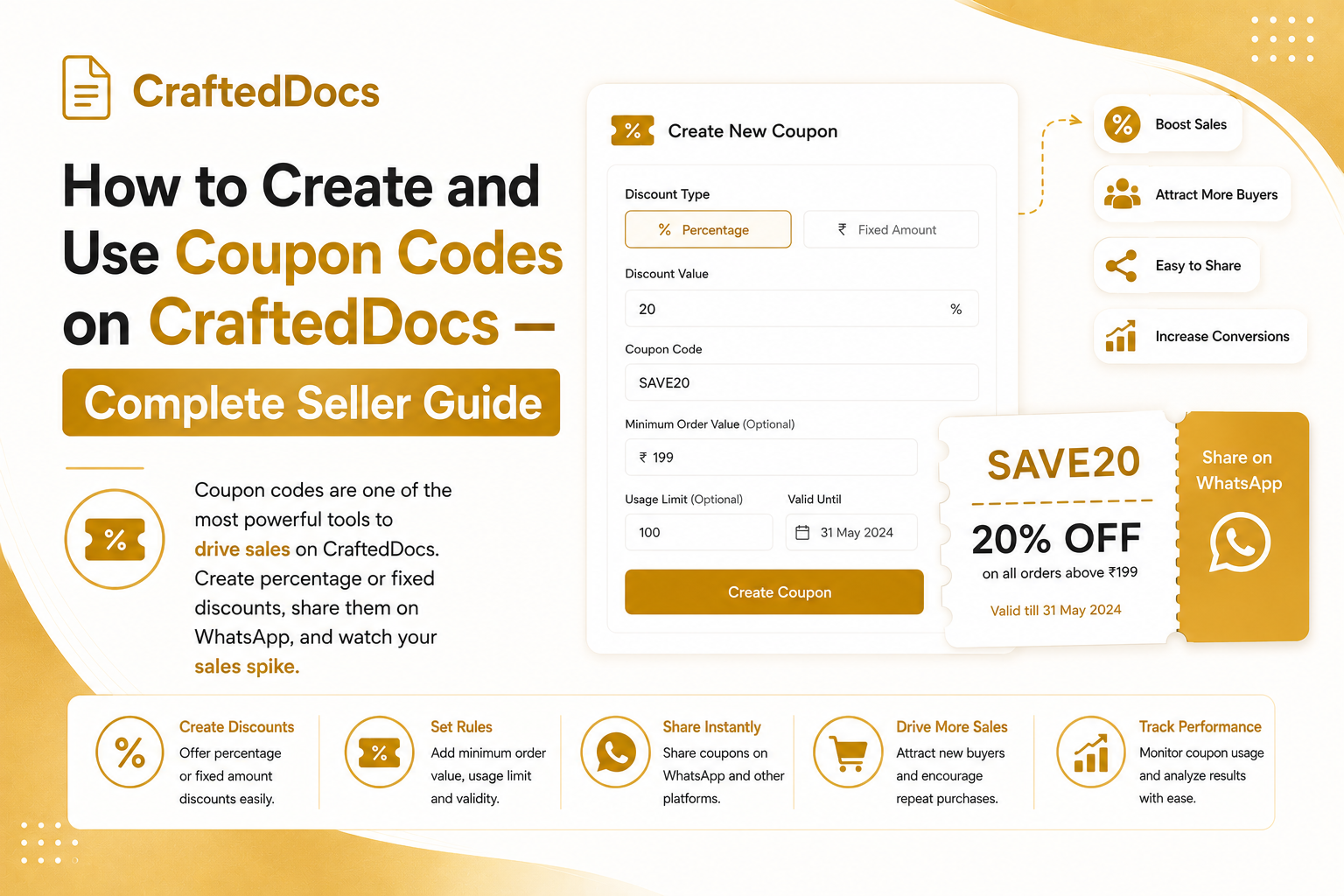
What are Coupon Codes on CraftedDocs?
As a seller on CraftedDocs, you can create your own coupon codes that give buyers a discount on your listings. You set the code, the discount amount and the rules — then share the code anywhere you like (WhatsApp, Instagram, YouTube, college groups).
Coupon codes only apply to your listings. If a buyer has items from multiple sellers in their cart, the coupon only discounts your items.
How to Create a Coupon Code
Go to Dashboard → Coupons tab → click the create form at the top.
Fill in the following fields:
- Coupon Code — letters and numbers only, e.g. SAVE20, NOTES50, WELCOME10. Buyers type this exactly at checkout. Keep it short and memorable.
- Discount Type — choose Percentage (e.g. 20% off) or Fixed Amount (e.g. Rs.50 off)
- Discount Value — the amount of discount. Maximum percentage is 90%.
- Minimum Cart Value — set a minimum order amount that must be met before the coupon applies. Set to 0 for no minimum.
- Maximum Uses — limit how many times the code can be used in total. Set to 0 for unlimited.
- Expires On — set an optional expiry date and time. Leave blank for no expiry.
- One use per buyer — check this to prevent the same buyer from using the same code multiple times.
Click Create Coupon and it appears in your coupons table immediately.
Managing Your Coupons
In the Coupons table you can see all your active and inactive codes with:
- Code name and discount amount
- Minimum order requirement
- How many times it has been used
- Expiry date
- Active / Inactive status
Use the Pause button to temporarily deactivate a coupon without deleting it — useful for time-limited promotions. Use Delete to permanently remove it.
How Buyers Apply Your Coupon
When a buyer has your listing in their cart, they will see a "Have a coupon?" box in the order summary. They type your code, click Apply, and the discount is calculated instantly. The total updates live before they pay.
The discount is applied to your seller items in the cart only. If the buyer has a minimum order requirement that is not met, they will see a clear message explaining why the coupon did not apply.
Best Practices for Using Coupons
Launch discount
Create a code like LAUNCH20 for 20% off when you first start selling. Share it in your college WhatsApp groups. It gets you your first sales and reviews quickly.
Seasonal promotions
Create codes tied to exam season — EXAM50 for Rs.50 off during board exam time, or SEMESTER10 for 10% off at the start of a new semester.
WhatsApp broadcast
Share your coupon code in WhatsApp groups with a message like: "Get 20% off my Economics notes — use code SAVE20 at checkout: crafteddocs.com/document/your-listing"
Limited time urgency
Set an expiry date 48-72 hours away. Messages like "Offer ends Sunday midnight" create urgency that drives immediate purchases.
Minimum cart size
Set a minimum cart value (e.g. Rs.99) to encourage buyers to add multiple listings before applying the coupon. This increases your average order value.
Coupon Code Rules
- Maximum discount is 90%
- A buyer can only use one coupon per order
- Coupons apply to your listings only — not other sellers
- Expired or fully-used coupons show an error at checkout
- If one-per-buyer is enabled, the same buyer cannot reuse your code
Start creating your first coupon now — go to your Coupons tab.