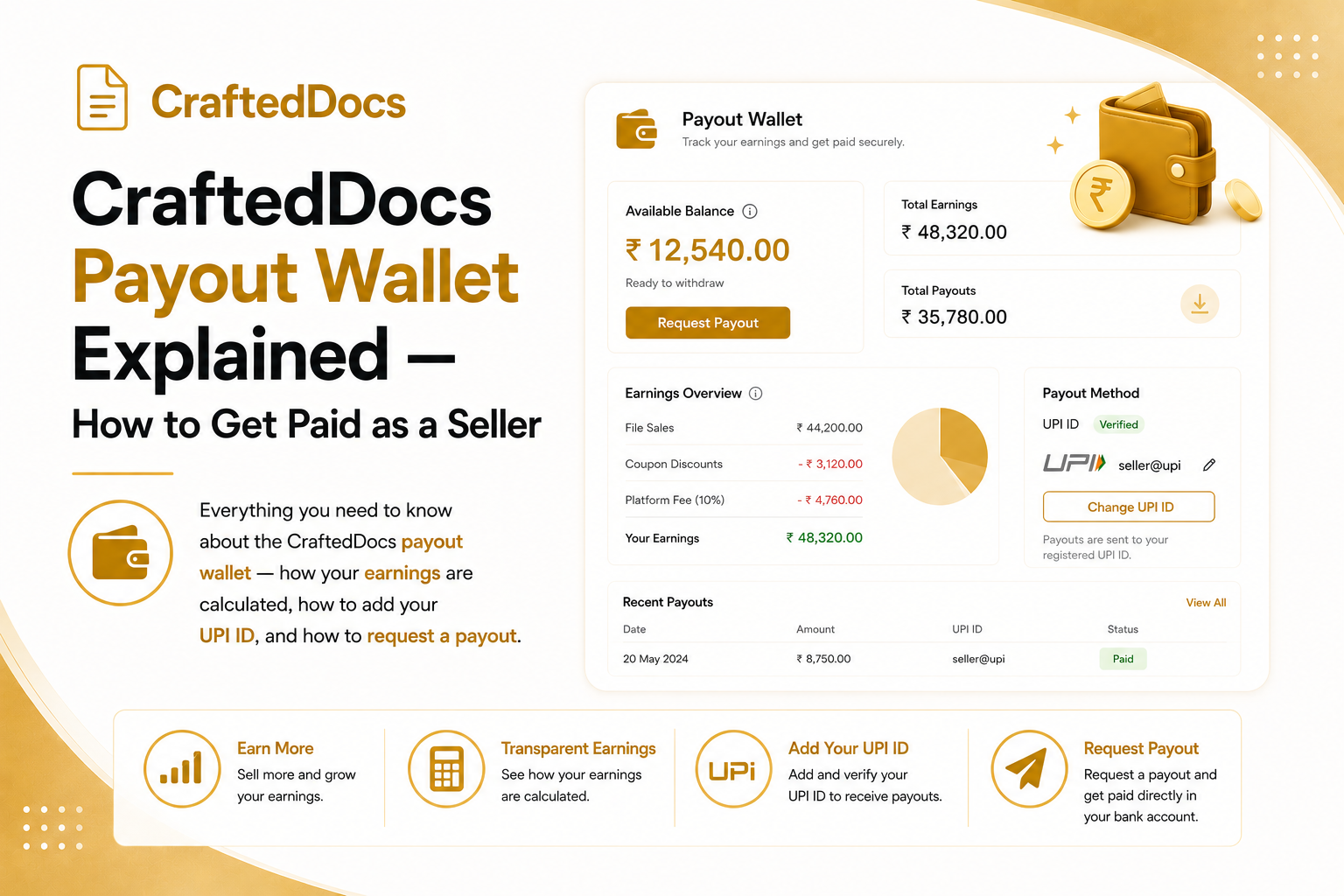
How Does CraftedDocs Pay Sellers?
Every time a buyer purchases your listing on CraftedDocs, 80% of the sale price is credited to your payout wallet. The remaining 20% is the platform fee that covers payment processing, hosting, support and marketplace promotion.
Your earnings accumulate in your wallet until you request a payout. There is no automatic transfer — you request it when you are ready.
What is the Payout Wallet?
The Payout Wallet is your financial dashboard inside CraftedDocs. Go to Dashboard → Payout History tab to see it.
The wallet shows:
- Available Balance — the amount ready to be paid out to you right now
- Total Earned — all earnings from sales and referrals since you joined
- Total Paid Out — amount already transferred to your bank or UPI
- Processing — amount in a pending payout request that has not been paid yet
What Goes Into Your Wallet Balance?
Your available balance has two sources:
- Sales earnings — 80% of every completed sale of your listings
- Referral rewards — Rs.20 for each of your first 100 referred sellers who get 10 approved listings, then Rs.2 per referral after that
Both are tracked in the unified transaction log at the bottom of your wallet — every sale shows as a green +Rs.X and every payout as a red -Rs.X.
How to Add Your UPI ID or Bank Account
Before you can request a payout, you need to add your payment details:
- Go to Dashboard → Profile and Settings tab
- Scroll to the Payout Details section
- Enter your UPI ID (e.g. yourname@upi, yourphone@paytm) or your bank account number and IFSC code
- Click Save Changes
UPI is the fastest and most reliable payout method. We recommend using UPI linked to Google Pay, PhonePe or Paytm for fastest processing.
How to Request a Payout
Once you have at least Rs.100 in your available balance and your UPI ID is added:
- Go to Dashboard → Payout History tab
- You will see the amber Request Payout button showing your full available balance
- The button also shows where the money will be sent (your UPI ID or bank)
- Click the button and confirm the dialog
- Your request is submitted and the admin team is notified
Payouts are processed within 2-5 business days. Once submitted, your available balance moves to "Processing" status.
Payout Status Explained
- Requested — your payout request has been received and is in the queue
- Processing — the admin team is processing your transfer
- Paid — money has been sent to your UPI or bank account
- Rejected — there was an issue (incorrect UPI ID, bank details mismatch). Update your details and request again.
Monthly Earnings Chart
Above the transaction log you will see a 6-month bar chart of your monthly earnings. Use this to track growth month over month and plan your upload schedule accordingly.
Minimum Payout Amount
The minimum payout amount is Rs.100. If your balance is below Rs.100, the payout button is disabled with a message encouraging you to keep selling. This minimum helps reduce transaction costs for small amounts.
Tips to Earn More Faster
- Upload consistently — even 1-2 new listings per week compounds over time
- Share your seller profile link on WhatsApp groups for your subject area
- Use coupon codes to drive your first sales and get reviews
- Upload a free preview file — listings with previews convert significantly better
- Use your referral link to earn Rs.20 per seller you bring to the platform
Check your wallet balance now — open your Payout Wallet.