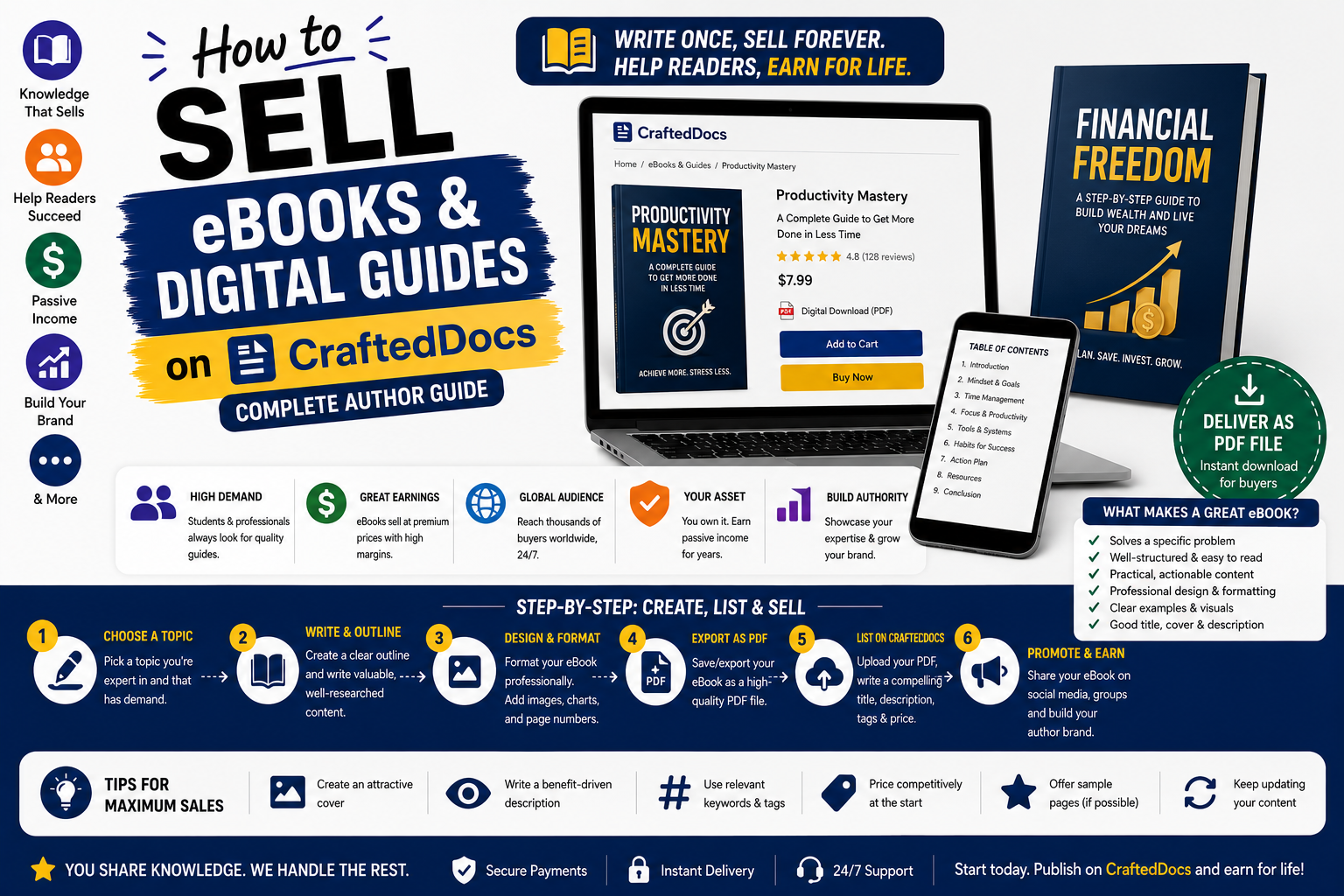
What is an eBook on CraftedDocs
An eBook is original written content — your own knowledge, expertise or research — published as a PDF and sold as a digital product. Unlike class notes, an eBook is a standalone publication that you create specifically to teach, guide or inform.
eBooks are the most scalable income product on CraftedDocs. You write it once. You format it once. Then it sells indefinitely with zero ongoing effort on your part.
High-Selling eBook Categories
- Exam preparation guides — JEE, NEET, UPSC, CA, GATE, IELTS, GMAT study strategies
- Career and job search guides — interview preparation, resume writing, salary negotiation, LinkedIn optimisation
- Student money guides — budgeting as a student, earning while studying, stock market basics for beginners
- Skill-building guides — freelancing basics, starting a YouTube channel, learning Excel, photography basics
- Health and lifestyle guides — fitness for college students, healthy eating on a hostel budget, mental health for students
- Subject deep-dives — going beyond textbook content with practical applications and examples
- Startup and business guides — how to validate a business idea, MVP building, bootstrapping a startup in India
Step 1 — Write Your eBook
Choose a Specific Topic
The most common mistake is writing an eBook that is too broad. "A Guide to Success" will not sell. "How to Crack JEE Chemistry in 90 Days — Study Plan and Strategy" will. The more specific your topic, the more precisely it matches what buyers are searching for.
Plan Your Structure First
- Title and subtitle
- Introduction — what this guide covers and who it is for
- Chapter 1, Chapter 2... (plan 5-10 chapters)
- Conclusion — summary and next steps
- Appendix — resources, checklists, templates (optional)
Writing Standards
- Write in clear, simple language — avoid unnecessary jargon
- Use short paragraphs — 3-5 sentences maximum
- Back up claims with examples, data or personal experience
- Include actionable advice — not just theory
- Minimum length: 20 pages for a paid eBook. Under 20 pages feels like a blog post, not a guide.
Step 2 — Format Your eBook Professionally
Design Tools
- Canva — easiest option. Use an eBook template, paste your content, export as PDF. Looks very professional with minimal design skill.
- Microsoft Word — reliable option. Set up styles, export to PDF. Add a designed cover page separately.
- Google Docs — free and easy. Download as PDF when complete.
Essential Elements
- Cover page — title, subtitle, author name. A designed cover is not optional — it signals professionalism and influences purchasing decisions.
- Copyright notice — "Copyright 2025 [Your Name]. All rights reserved. For personal use only."
- Table of contents — clickable links to each chapter for PDF navigation
- Chapter headers — clear chapter titles, consistently styled
- Footer — page numbers and eBook title
- Closing page — about the author, link to your CraftedDocs seller profile, call to action
Step 3 — Create Your Listing
Title
- How to Crack UPSC Prelims in 6 Months — Study Strategy and Resource Guide — 2025 Edition
- Freelancing in India — Complete Beginner Guide — How to Get Your First Client
- Stock Market Basics for Students — Zero to First Investment — 45 Page eBook PDF
Description Must Include
- Who this eBook is written for
- What they will be able to do after reading it
- Total page count
- Chapter list or table of contents summary
- Your credentials or experience on this topic — why should the buyer trust you?
- Whether action items, checklists or worksheets are included
- Whether this is updated for current year
Price
| eBook Length and Type | Recommended Price |
|---|---|
| Short guide or checklist — under 20 pages | Rs.29 – Rs.79 |
| Standard eBook — 20 to 50 pages | Rs.79 – Rs.199 |
| Comprehensive guide — 50 to 100 pages | Rs.149 – Rs.349 |
| Premium handbook — 100+ pages or niche expertise | Rs.299 – Rs.599 |
Cover Image
Export your eBook cover page as a PNG and use it as the thumbnail. A professionally designed book cover is the single most important visual element for an eBook listing. Buyers judge the quality of the content from the cover design.
Free Preview
Upload the introduction and first chapter (first 8-12 pages) as a separate PDF. The opening of your eBook must hook readers. End the preview at an exciting point in Chapter 1 — mid-topic, leaving buyers wanting to read the rest.
Approval Requirements
- Original content — not plagiarised from other books, websites or sources
- Minimum substantive content — 20+ pages of real, useful information
- Cover page present
- File opens without errors
- Content matches title and description
Pro Tips for eBook Sellers
- Add a resources section at the end — link to useful websites, tools and further reading. This adds value without extra writing effort.
- Create a series — Volume 1 then Volume 2. Buyers who found Volume 1 useful will almost always buy Volume 2.
- Update annually — add "2025 Edition" and update statistics and references each year. This gives existing buyers a reason to repurchase and improves search rankings.
- Include a workbook — a companion PDF with exercises, templates and worksheets makes your eBook significantly more valuable and justifies a higher price.
- Build your seller profile — add your bio and credentials. For eBooks specifically, buyers want to know why they should trust you on this topic.
Start publishing your eBook today — create your listing on CraftedDocs.