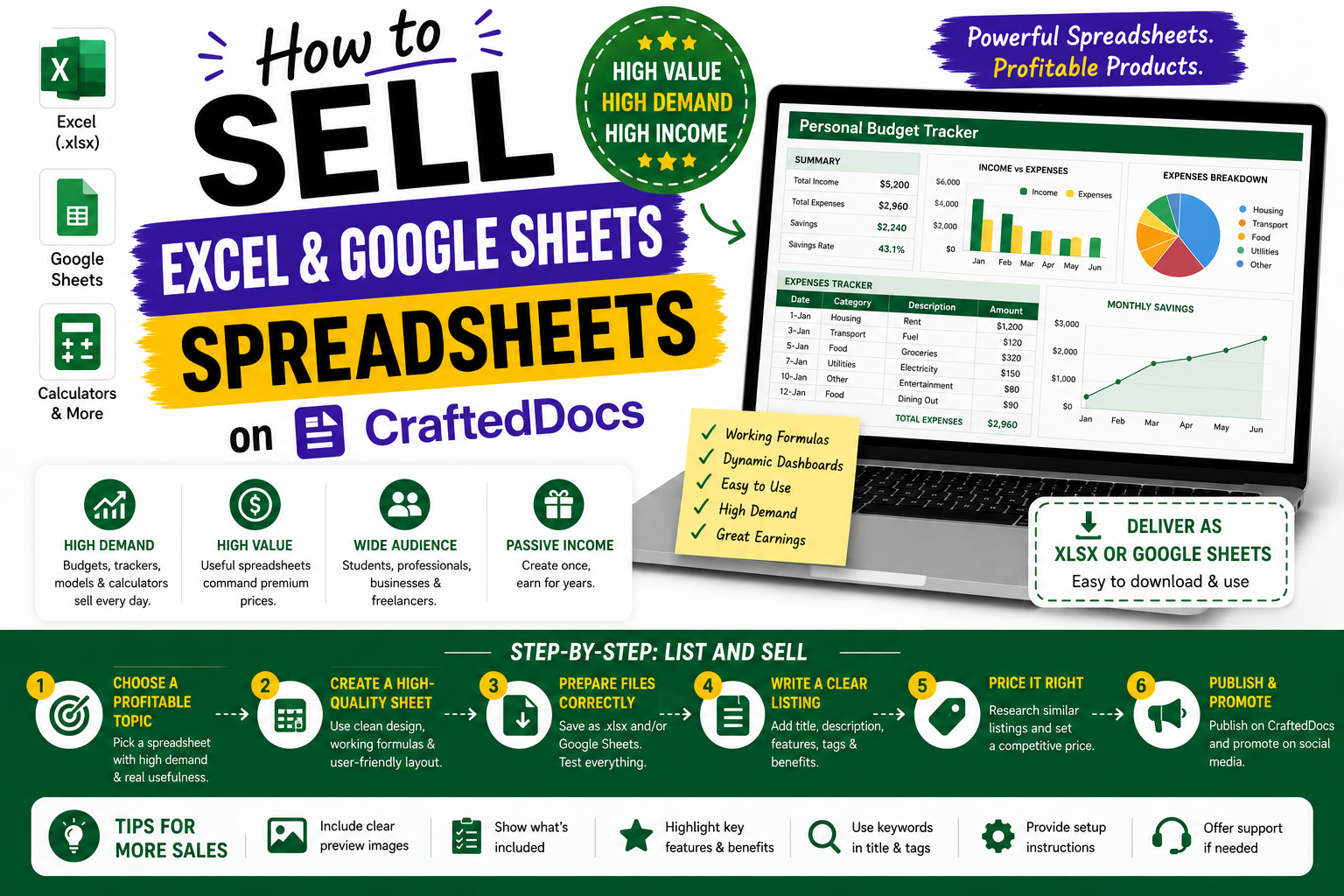
Why Spreadsheets Are the Highest-Priced Category
A well-built spreadsheet takes real skill to create — designing the layout, writing formulas, creating charts and making it error-proof takes hours of work. Buyers know this and pay a premium. A professional financial model or business tracker can sell for Rs.299 to Rs.999 on CraftedDocs, far above what simple notes or templates command.
If you are comfortable in Excel or Google Sheets, this is the highest-earning category available to you on the platform.
What Spreadsheets Sell Best
Student Tools
- CGPA and percentage calculator — enter your grades, get CGPA automatically
- Study timetable planner — weekly schedule with subject allocation
- Attendance tracker — mark attendance daily, see percentage automatically
- Assignment and deadline tracker — never miss a submission
- Exam score analyser — track your test scores and see trend over time
Personal Finance
- Monthly budget tracker — income, expenses, savings target with charts
- EMI calculator — enter loan amount, rate and tenure, get monthly payment
- Investment tracker — track SIP, stocks, FDs and gold in one place
- Expense splitter — split bills among friends (hostel, trips, rent)
- Salary negotiation calculator — compare offers including CTC breakup
Business and Professional
- GST invoice generator — auto-calculate GST, professional format
- Inventory management — stock tracking with low stock alerts
- Employee attendance and payroll calculator
- Startup financial model — P&L, cash flow, balance sheet projections
- Sales pipeline tracker — lead status and conversion tracking
- Project management Gantt chart — timeline with task dependencies
Step 1 — Build and Test Your Spreadsheet
- Plan the structure — list all sheets you need before building. Common setup: Instructions | Input Sheet | Dashboard | Data Sheets
- Build clean formulas — avoid overly complex nested formulas that are hard to debug. Break complex calculations into intermediate steps.
- Add data validation — use dropdown lists and input restrictions in input cells. This prevents user errors.
- Colour code clearly — yellow or light blue for input cells, white for calculated cells, green for summary cells. Buyers immediately understand where to type.
- Protect formula cells — in Excel: Review → Protect Sheet. Allow editing only in input cells. This prevents accidental formula deletion.
- Test with real data — enter real numbers and verify every output is correct. Check edge cases: zero values, negative numbers, empty cells.
- Check Google Sheets compatibility — open the XLSX in Google Sheets and verify all formulas still work. Some Excel functions are not supported in Sheets.
Step 2 — Create the Instructions Sheet
This is non-negotiable for spreadsheet listings. Create a sheet named "Instructions" or "READ ME" as the first tab. Include:
- What the spreadsheet does in 2-3 sentences
- Which cells to fill in (reference by cell address or colour)
- Which cells NOT to edit (formula cells)
- Step-by-step usage guide with numbered steps
- Screenshots or cell references for each step
- FAQ — common questions and problems
- Your seller name and CraftedDocs marketplace link
Step 3 — Create Your Listing
Title
- Monthly Budget Tracker — Excel Spreadsheet — Automatic Totals and Charts — Personal Finance
- CGPA Calculator — Excel and Google Sheets — Engineering and College Students — Instant Results
- GST Invoice Generator — Excel — Auto-Calculate CGST SGST IGST — Small Business India
Description Must Include
- What the spreadsheet does and what problem it solves
- List of every sheet or tab and its function
- What cells buyers fill in and what gets calculated automatically
- Software required — Excel version, Google Sheets
- Whether formulas are protected
- Whether a dashboard or charts are included
- Whether it works offline (Excel yes, Google Sheets requires internet)
Price
| Spreadsheet Complexity | Recommended Price |
|---|---|
| Simple single-sheet tool | Rs.49 – Rs.99 |
| Multi-sheet with formulas | Rs.99 – Rs.249 |
| Dashboard and charts included | Rs.199 – Rs.399 |
| Business financial model | Rs.349 – Rs.799 |
| Advanced model with macros | Rs.499 – Rs.999 |
Free Preview
Take a screenshot of your dashboard or main summary sheet and save as PDF. Show the charts and the overall layout. Do not upload the XLSX as preview.
Cover Image
Screenshot the most visually impressive view of your spreadsheet — typically the dashboard with charts. Crop to show the best part. A spreadsheet with a clean chart thumbnail converts significantly better than a plain grid of numbers.
Approval Requirements
- File opens without errors in Excel 2016 or later
- All formulas calculate correctly with sample data
- Instructions sheet is present
- Input cells are clearly differentiated from formula cells
- No broken external references (#REF! errors)
Pro Tips
- Add conditional formatting — colour cells red when budget is exceeded, green when in target. Buyers love visual feedback.
- Include a print layout — format one sheet for clean A4 printing. Buyers who want to print reports appreciate this.
- Create a "Demo mode" — pre-fill sample data so buyers can see the spreadsheet working when they first open it
- Upload to both platforms — if your spreadsheet works in Google Sheets, mention it. This widens your buyer pool significantly.
Upload your spreadsheet today — create your listing here.