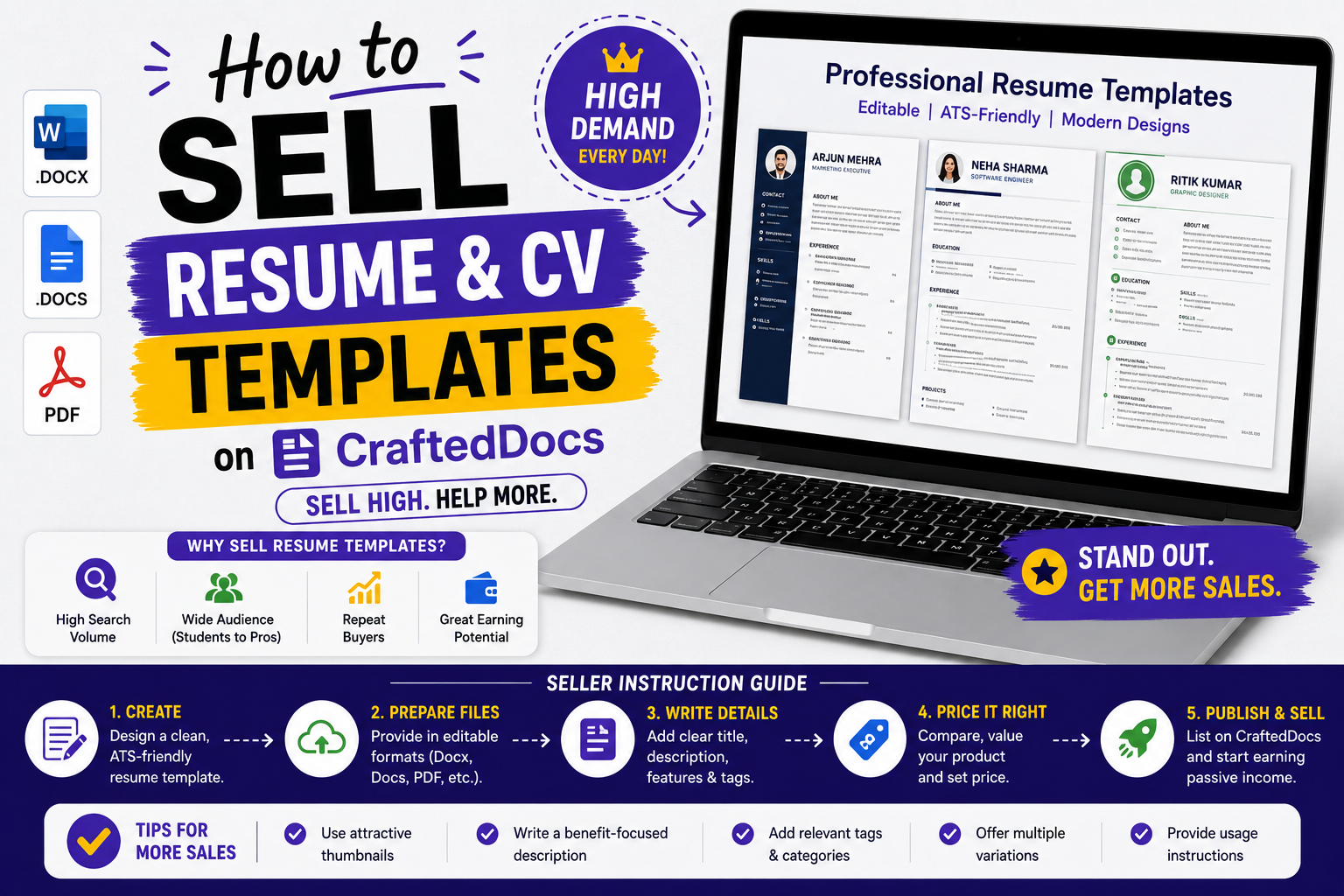
Why Resume Templates Are a Top-Earning Category
Every student graduating from college needs a resume. Every professional changing jobs needs one. Resume templates are in constant demand all year round, with spikes during placement season (November-February) and campus recruiting season. A well-designed, ATS-friendly resume template can generate consistent sales for years after you upload it once.
Types of Resume Templates That Sell Best
- Fresher or entry-level resumes — clean, minimal, 1-page designs for new graduates
- ATS-friendly resumes — simple formatting that passes Applicant Tracking Systems used by large companies
- Creative resumes — visually distinctive designs for design, marketing and creative roles
- IT and engineering resumes — technical skills section prominently featured, GitHub and project links included
- MBA and management resumes — leadership focused, achievement-oriented format
- CA and finance resumes — formal, structured, compliance-focused design
- International format CVs — UK, US, Australian and European CV formats
Step 1 — Design Your Resume Template
Tools you can use
- Microsoft Word — most universal format. Best choice for maximum buyer compatibility.
- Google Docs — export as DOCX for upload
- Canva — for visually designed resumes. Export as PDF AND make a Canva template link for buyers to edit.
Design principles
- Use standard, widely available fonts — Calibri, Arial, Georgia, Times New Roman. Do not use obscure fonts that buyers may not have installed.
- Keep sections clearly labelled — Summary, Education, Experience, Skills, Projects, Certifications
- Use consistent spacing — 1 inch margins, 1.15 line spacing is standard
- Mark all fillable fields clearly — use [Your Name], [Your Email], [Job Title] as placeholders
- Test the template — fill it in yourself with sample data to confirm nothing breaks
ATS Compatibility Tips
- Avoid tables, text boxes, headers and footers for critical information — ATS systems cannot read these
- Use standard section headings — "Work Experience" not "My Journey"
- No images or graphics in ATS-friendly versions
- Save as .docx — not .doc
Step 2 — Prepare Your Files
- Create the template in Word with placeholder text throughout
- Export a filled sample version to PDF — this shows buyers what the finished resume looks like
- If offering multiple colour variants, save each as a separate DOCX
- Create a ZIP containing all versions plus a "How to Edit" instruction PDF
- Name files clearly — Resume-Template-Blue-ATS-Friendly.docx
Step 3 — Create Your Listing
Title
- ATS-Friendly Resume Template — Fresher and Entry Level — Editable Word Format
- Creative Resume Template for Designers — Canva and Word — 3 Colour Variants
- IT Engineer Resume Template — Technical Skills Focused — Word DOCX — 2025 Format
Description Must Include
- Who this template is designed for (freshers, IT professionals, MBA etc.)
- File format — DOCX, PDF, Canva link
- Number of pages (1-page, 2-page)
- Colour scheme options
- Whether it is ATS-friendly
- What software is needed (Microsoft Word 2016 or later, Google Docs, Canva free account)
- What is included in the download
- Is it editable — always confirm yes
Price
| Resume Template Type | Recommended Price |
|---|---|
| Single simple template — 1 colour | Rs.29 – Rs.69 |
| Professional template — 2 to 3 colour variants | Rs.69 – Rs.149 |
| Resume pack — 5 to 10 different templates | Rs.149 – Rs.349 |
| Premium pack with cover letter and LinkedIn templates | Rs.249 – Rs.499 |
Cover Image
Show the filled resume as a flat PNG or JPG. Buyers must be able to judge the visual quality from the thumbnail. If selling multiple colour variants, show all variants side by side in the cover image.
Free Preview
Upload a PDF of the filled sample resume as your preview. Buyers can see exactly how the template looks when complete. Do not upload the editable DOCX as the preview — they would get the template for free.
Approval Requirements
- File is editable in Word or Google Docs
- All placeholders are clearly marked
- Design is original — not copied from Canva free templates or other websites
- No personal data from the seller left in the template
Pro Tips for Resume Template Sellers
- Offer ATS and non-ATS versions together — include both in your ZIP
- Include a matching cover letter template — add it to the ZIP at no extra charge. Buyers love this and it differentiates your listing.
- Create niche versions — "Resume Template for CA Inter Students" ranks better than generic "Resume Template"
- Update designs every 6-12 months — hiring trends change and buyers prefer current-looking designs
- Placement season (November to March) sees a 3-4x spike in resume template sales — run coupon promotions during this period
Upload your resume template — start selling on CraftedDocs.