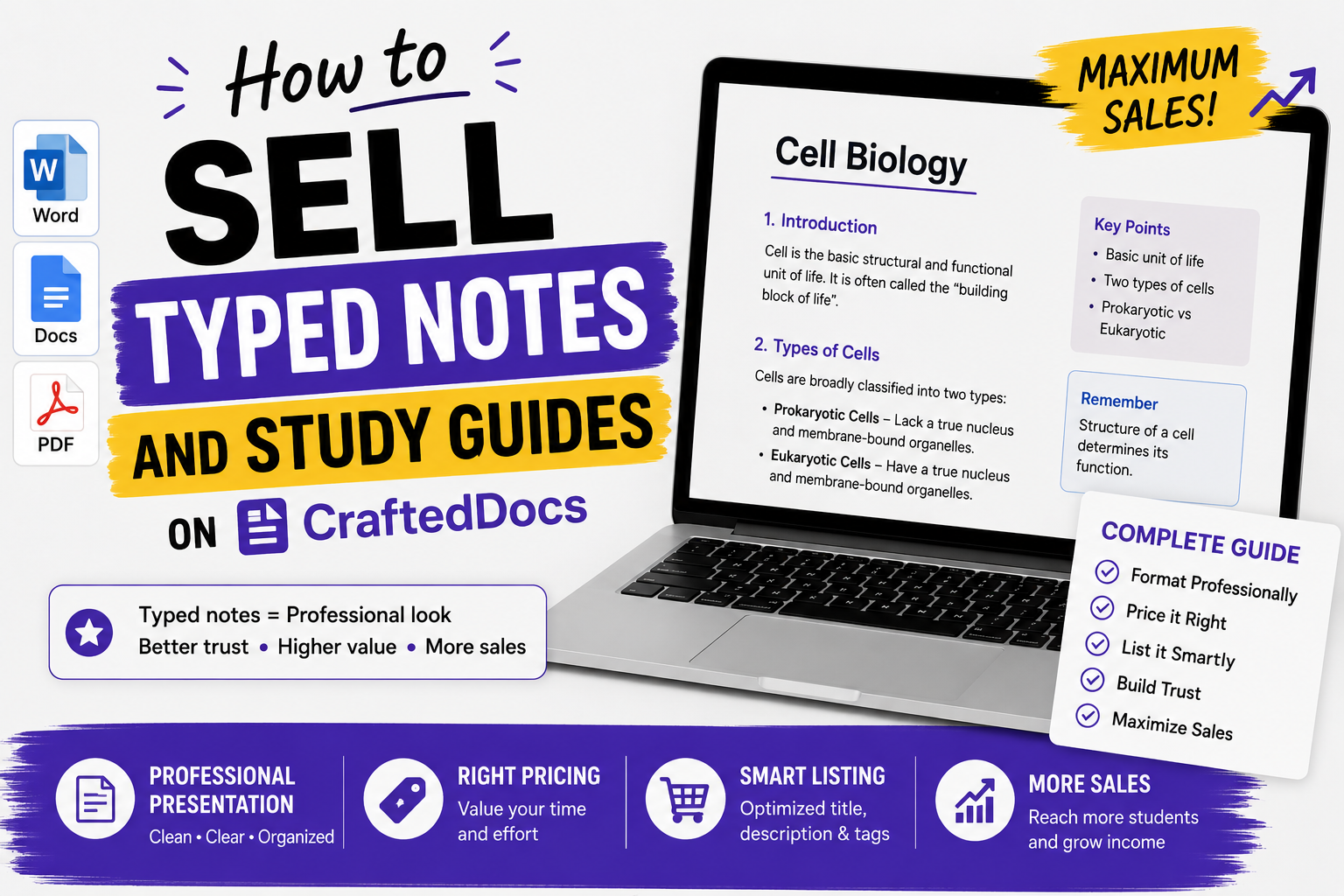
Why Typed Notes Are High-Value Listings
Typed notes look professional, are easy to search, and work on every device without legibility concerns. Buyers are willing to pay slightly more for well-formatted typed notes because they can copy text, use Ctrl+F to search, and print cleanly. If you type your notes in Word, Google Docs, Notion or Markdown — you have a sellable product.
What Counts as Typed Notes or Study Guides
- Typed subject notes — chapter-wise notes formatted in Word or Google Docs, exported to PDF
- Study guides — structured summaries of topics with explanations and examples
- Revision sheets — condensed key points, formulas and definitions on 1-2 pages
- Concept maps in text form — hierarchical breakdowns of complex topics
- Flashcard sheets — question and answer format PDFs
- Mnemonic guides — memory aids and shortcuts compiled into a document
Step 1 — Format Your Notes Professionally
Use consistent structure throughout
- Heading 1 — Chapter or major topic title
- Heading 2 — Sub-topics and sections
- Body text — explanations and notes
- Bold — key terms and important points
- Bullet lists — lists of facts, points or steps
Add a cover page
Include: Subject name, topic range, total pages, your name (or seller name), and CraftedDocs.com. A cover page takes 2 minutes to add and makes your document look 10x more professional.
Add a table of contents
For anything over 10 pages, add a table of contents. In Word: References → Table of Contents → Automatic. In Google Docs: Insert → Table of Contents.
Export to PDF
Always export to PDF for the final upload. In Word: File → Save As → PDF. In Google Docs: File → Download → PDF. PDF preserves formatting across all devices and cannot be accidentally edited by buyers.
Step 2 — Create a Preview File
Take the first 3-5 pages of your document and save them as a separate PDF. This is your free preview file — upload it in the preview field when creating your listing. Buyers who read 5 pages of well-written, well-formatted notes are highly motivated to buy the complete version.
Step 3 — Fill in Your Listing
Title
- Microeconomics Typed Notes — Chapters 1-6 — BBA First Year — 45 Pages PDF
- Complete UPSC History Notes — Typed PDF — Ancient to Modern — 120 Pages
- Physics Formula Quick Reference Sheet — Class 11 and 12 — 4 Pages — Typed PDF
Description Checklist
- Exact topics and chapters included
- Total page count
- Format: typed, formatted in Word, exported to PDF
- Exam or course relevance
- Whether examples and solved problems are included
- Font and layout style (professional, easy to read)
- Whether a table of contents is included
Price
| Document Type | Recommended Price |
|---|---|
| Revision sheet — 1 to 3 pages | Rs.19 – Rs.29 |
| Short notes — 5 to 20 pages | Rs.29 – Rs.79 |
| Full subject notes — 20 to 60 pages | Rs.79 – Rs.149 |
| Complete guide or compendium — 60+ pages | Rs.149 – Rs.349 |
Cover Image
Screenshot your cover page or table of contents and use it as the thumbnail. A clean, well-designed cover page looks extremely professional in the marketplace grid and strongly influences click-through rate.
Approval Requirements
- Content is your own — not copied from textbooks, Wikipedia or other sellers
- File opens without errors
- Not password protected
- Content matches the title and description
- Minimum quality standard — not just a few bullet points for a listing claiming 40 pages
Pro Tips
- Add a "How to Use These Notes" section at the start — guides buyers and adds perceived value
- Include worked examples not just theory — notes with solved problems command higher prices
- Use page headers with chapter names — helps buyers navigate large documents
- Create a series — Chapter 1 notes → Chapter 2 notes → Full subject bundle. Buyers who buy Chapter 1 often buy the bundle.
Start listing your typed notes — create your seller account free.