What is Your Seller Profile?
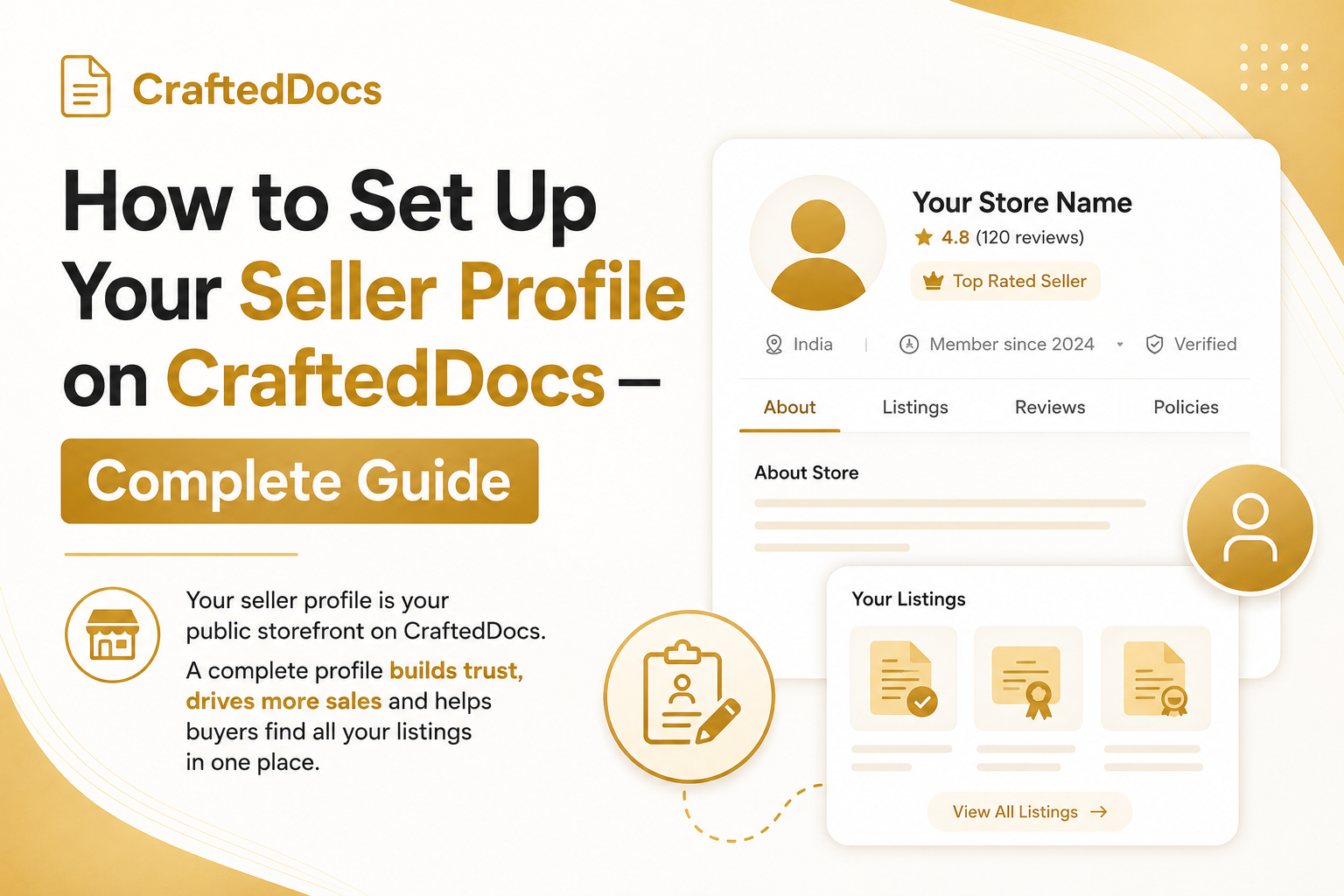
Every seller on CraftedDocs has a public seller profile page at a unique URL — for example, crafteddocs.com/seller/yourname-7. This page shows all your active listings, your bio, your badges, your stats and your social links.
Buyers who click on your name anywhere on the marketplace — on a product card, on a product page or in a review — land on your seller profile. It is your storefront.
How to Edit Your Profile
- Go to Dashboard → Profile and Settings tab
- Update the following fields and click Save Changes
Profile Fields Explained
Display Name
Your name as it appears on all your listings and your profile page. Use your real name or a professional brand name. Avoid generic names like "Student123" — buyers trust sellers with real names.
Bio
A short description of who you are and what you sell. Keep it 2-3 sentences. Include your subject area, your level of study or expertise and what makes your content valuable. Example: "Final year Economics student at Delhi University. I sell well-organised semester notes and revision guides that helped me score above 85% in my exams."
College or Institution
Adding your college builds credibility. Buyers looking for notes from a specific university will trust a seller from that institution more.
Profile Photo
Upload a clear, professional photo. Sellers with profile photos get more sales than those without — it humanises you and builds trust. A simple selfie in decent lighting is perfectly fine.
Social Links
Add your Twitter/X, Instagram and personal website links. These appear on your seller profile and let buyers follow you for updates on new listings.
UPI ID / Bank Details
Required to receive payouts. Add your UPI ID (fastest) or bank account details. This is stored securely and never shown publicly.
Your Seller Slug (Profile URL)
Your seller profile URL is automatically generated when you join — it is based on your name and user ID (e.g. crafteddocs.com/seller/rahul-14). You can share this URL directly with buyers so they can browse all your listings in one place.
This URL is also used as your referral link base — your referral link is crafteddocs.com/sell?ref=yourname-7.
What Buyers See on Your Profile
Your public seller profile shows:
- Your name and profile photo
- Your bio and college
- Your seller badges (Top Seller, Pro Seller etc.)
- Key stats — total listings, total sales, average rating
- Your social media links
- All your approved and featured listings in a filterable grid
- A Share Profile button (WhatsApp) so buyers can share your profile with others
Category Filter on Your Profile
Buyers can filter your listings by category directly on your profile page. If you sell across multiple categories (e.g. Notes AND Templates), buyers can quickly find what they need without scrolling through everything.
Tips for a High-Converting Seller Profile
- Add a real photo — profiles with photos see significantly more buyer trust
- Write a specific bio — mention your subject, university and what makes your notes good
- Keep your listings active — remove or edit rejected listings so your profile only shows approved content
- Share your profile link — add it to your WhatsApp status, Instagram bio and any study groups
- Aim for Top Seller badge — 50 total sales unlocks the amber badge that appears on your profile header
Sharing Your Seller Profile
On your public seller profile page, there is a green Share profile button in the social links area. Clicking it opens WhatsApp with a pre-written message containing your profile link. This is the fastest way to promote all your listings at once.
You can also manually share your profile URL anywhere — WhatsApp groups, Instagram stories, college forums.
Update your profile now — go to Profile and Settings.