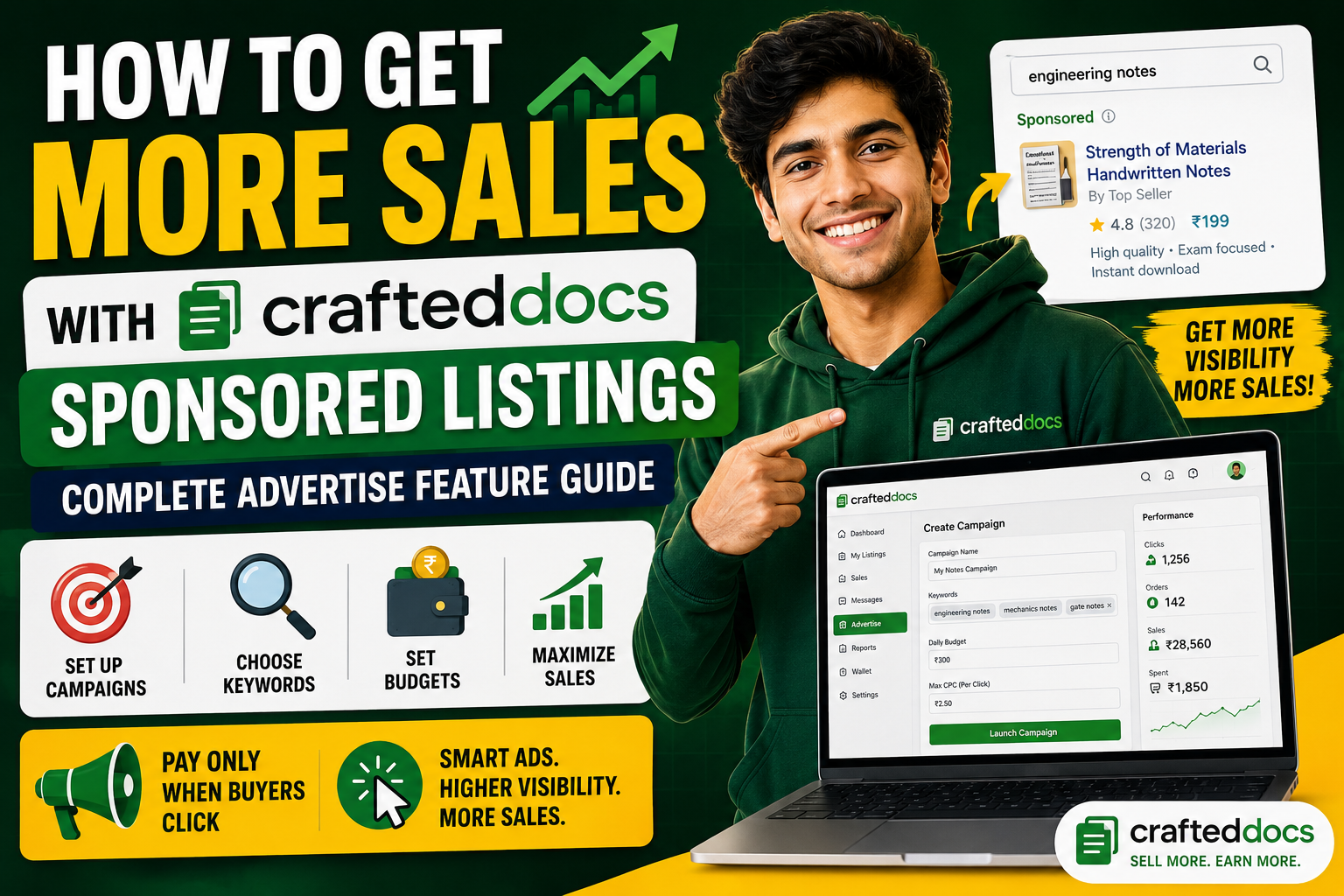
If you have been selling on CraftedDocs for a while, you already know that getting your listing in front of the right buyer at the right moment makes all the difference. A buyer searching for "economics notes class 12" is ready to purchase — they just need to find your listing first.
That is exactly what the new Sponsored Listings feature does. It puts your listing at the very top of search results — above every other seller — precisely when a buyer is searching for what you sell. And you only pay when someone actually clicks.
What Are Sponsored Listings?
Sponsored Listings are paid promotions that appear at the top of the CraftedDocs marketplace search results. When a buyer types a keyword that matches your campaign, your listing appears first with a blue "📢 Sponsored" banner — before all organic results.
This is a Pay-Per-Click (PPC) system. You are charged only when a buyer clicks your sponsored listing. If your listing is shown 1,000 times but nobody clicks, you pay nothing. You only pay for real buyer interest.
You sell a "Business Card Design Template" for ₹199. You set a CPC bid of ₹2. A buyer searches "business card template" — your listing appears at the top. The buyer clicks and purchases. You earned ₹159 (80% of ₹199) and spent ₹2 on the click. Net: ₹157 from one click. That is a 7,850% return on your ad spend.
How the Ad Wallet Works
Before you can run ads, you need to add money to your Ad Wallet. This is a separate balance from your seller earnings — it is used exclusively for advertising and cannot be withdrawn.
Adding funds to your Ad Wallet
- Go to your Dashboard → 📢 Advertise tab
- You will see your Ad Wallet balance at the top (dark blue card)
- Click any quick-add button: +₹100, +₹250, +₹500, +₹1,000, +₹2,000 or enter a custom amount
- The Razorpay payment window opens with your name, email and phone already filled in
- Pay via UPI, debit card, credit card or net banking
- Money appears in your Ad Wallet instantly after payment
Minimum top-up: ₹100
Creating Your First Campaign
A campaign is a set of keywords + listings + a budget. One campaign can promote up to 10 listings at the same time using the same set of keywords.
Step-by-step: Create a Campaign
- Go to Dashboard → Advertise → Create Campaign
- Enter a Campaign Name — this is just for your reference (e.g. "Economics Notes Promo")
- Set your CPC Bid — the maximum you will pay per click (minimum ₹0.20)
- Set a Daily Budget — the maximum you will spend per day (minimum ₹20/day)
- Select up to 10 listings you want to promote
- Enter your keywords — the search terms buyers use to find your content (up to 20 keywords)
- Click Launch Campaign
Your campaign goes live immediately as long as your Ad Wallet has sufficient balance.
Choosing the Right Keywords — This Is the Most Important Part
Keywords decide when your listing appears. If your keywords do not match what buyers actually search, your ads will never show. Here is how to choose keywords that work:
Think like a buyer, not a seller
Ask yourself: "What would I type into the search bar if I wanted to buy this?" Your listing title might be "Comprehensive Economics Study Notes with Diagrams" — but a buyer will search "economics notes class 12" or "cbse economics notes".
Use specific phrases, not single words
| ❌ Too broad (avoid) | ✅ Specific (use these) |
|---|---|
| notes | economics notes class 12 |
| template | business card design template editable |
| jee mains physics notes pdf | |
| presentation | marketing presentation template pptx |
| excel | monthly budget tracker excel template |
Good keyword sources for CraftedDocs sellers
- Subject name + file type: "physics notes pdf", "accounts notes class 11"
- Exam name: "jee mains notes", "neet biology notes", "upsc history notes", "ca foundation notes"
- Board name: "cbse notes", "icse notes", "state board notes"
- Use case: "resume template word", "invoice template excel", "pitch deck template"
- Design style: "minimalist business card", "modern resume template", "colorful presentation"
- Topic specific: "thermodynamics notes", "organic chemistry reactions", "financial modelling excel"
How keyword matching works
CraftedDocs uses flexible keyword matching — you do not need an exact match. If a buyer searches "class 12 economics notes revision" and your keyword is "economics notes", your ad will still show because the search phrase contains your keyword.
Understanding CPC Bidding
CPC (Cost Per Click) is how much you pay each time a buyer clicks your sponsored listing. The minimum bid is ₹0.20 per click.
How the auction works
When multiple sellers have campaigns targeting the same keyword, CraftedDocs runs an instant auction to decide whose listing appears. The winner is determined by a Quality Score that combines:
- Your CPC bid (higher bid = more likely to win)
- Historical click-through rate (if buyers click your ad more than others, you rank better)
- Campaign performance history (established campaigns get a small boost)
CPC bidding strategy by competition level
| Competition | Suggested Bid | Examples |
|---|---|---|
| Low competition | ₹0.20 – ₹0.50 | Niche subjects, specific exam topics |
| Medium competition | ₹0.50 – ₹2.00 | Class notes, common templates |
| High competition | ₹2.00 – ₹5.00 | JEE/NEET notes, business templates |
Start low (₹0.50) and increase your bid if your ad is not showing. Do not overbid — there is no benefit to paying ₹5/click if ₹1 wins the auction.
Setting the Right Daily Budget
Your daily budget is the maximum you will spend per day across all clicks on a campaign. Once this limit is reached, your campaign automatically pauses until the next day.
Recommended daily budgets
- Testing phase (first week): ₹20–₹50/day — see which keywords drive clicks
- Scaling phase: ₹100–₹250/day — increase budget for keywords that convert to sales
- Launch promotion: ₹250–₹500/day for 7–10 days when launching a new listing
You can pause, resume or adjust your daily budget at any time from your dashboard. There is no contract or lock-in.
Campaign Limits
To keep the system fair and manageable for all sellers:
- Maximum 5 active campaigns per seller account
- Maximum 10 listings per campaign
- Maximum 20 keywords per campaign
- Minimum CPC bid: ₹0.20
- Minimum daily budget: ₹20/day
- Minimum Ad Wallet top-up: ₹100
Where Your Sponsored Listing Appears
Sponsored listings appear in the marketplace when a buyer's search matches your keywords. Your listing shows:
- At the top of search results — above all organic listings
- With a distinctive blue "📢 Sponsored" banner across the top of the card
- With a blue border making it visually stand out
- Maximum 2 sponsored listings per search page — so competition for the top spots is limited
Sponsored listings appear when buyers search on the marketplace page. They show for both logged-in users and guests — so even buyers who have not created an account yet will see your sponsored listing.
Fraud Protection — Your Budget Is Safe
CraftedDocs has built-in fraud protection to ensure your ad spend is not wasted on fake or repeated clicks:
- Same IP protection: The same device (IP address) cannot be charged for clicking the same ad more than once in any 24-hour period
- Daily budget hard cap: Your campaign never spends more than your set daily budget — it automatically pauses when the limit is reached
- Wallet auto-pause: If your Ad Wallet balance reaches ₹0, all campaigns pause automatically — you will never go into debt
- No self-clicks: You cannot accidentally charge yourself by clicking your own listings while logged in
Reading Your Campaign Stats
In Dashboard → Advertise, each campaign shows:
- Impressions — how many times your listing was shown in search results
- Clicks — how many buyers clicked your listing
- CTR (Click-Through Rate) — clicks ÷ impressions × 100. A good CTR is 3–8%
- Total Spend — how much you have spent on this campaign in total
- Today's Spend — how much spent today vs your daily budget
How to read your CTR
| CTR | What it means | Action |
|---|---|---|
| Below 1% | Keywords don't match listing well | Improve thumbnail and keywords |
| 1–3% | Average performance | Test different keywords |
| 3–8% | Good — keywords match buyer intent | Scale up budget |
| Above 8% | Excellent — very relevant listing | Increase bid to maintain position |
Tips to Get the Most From Your Ad Spend
1. Advertise your best-converting listing first
Do not spend ad budget on a new untested listing. Start with your listing that already has sales and reviews — buyers trust listings with social proof. Your conversion rate will be higher, meaning each click is more likely to become a sale.
2. Match your keyword to your thumbnail
If a buyer searches "minimalist resume template" and clicks your sponsored listing, they expect to see a minimalist resume. Make sure your thumbnail clearly shows what the buyer searched for. Mismatch between keyword and thumbnail = low CTR and wasted spend.
3. Use a sale price during campaigns
Listings with a sale price (showing "Was ₹299, Now ₹199") convert significantly better from sponsored positions. The price drop creates urgency. Set a sale price in your listing before running ads for maximum ROI.
4. Start with a low budget and scale
Begin with ₹20–₹50/day for the first 5–7 days. This gives you data on which keywords drive actual clicks without risking your full budget. Once you see which keywords convert, increase the daily budget on those keywords only.
5. Pause underperforming keywords
After 3–5 days, review your campaign. If a keyword gets impressions but no clicks (low CTR), it means buyers see your listing but are not interested — wrong audience. Remove that keyword and replace with a more specific one.
6. Use exam season timing
For study notes and academic materials, searches spike 4–6 weeks before major exams (JEE, NEET, CBSE boards, university finals). Plan your campaigns to start 6 weeks before exam season with higher daily budgets — that is when buyer intent is highest.
How Much Can You Earn With Sponsored Listings?
Here is a realistic example for a seller with a ₹249 economics notes listing:
| Metric | Value |
|---|---|
| Daily budget | ₹100/day |
| CPC bid | ₹1.00 |
| Daily clicks | 100 clicks |
| Conversion rate (clicks → sales) | 5% (industry average for digital products) |
| Daily sales from ads | 5 sales |
| Revenue per sale (80% of ₹249) | ₹199.20 |
| Daily revenue from ads | ₹996 |
| Daily ad spend | ₹100 |
| Daily profit from ads | ₹896 |
| Monthly profit from ads | ₹26,880 |
These numbers are achievable for a high-quality listing in a high-demand niche with well-chosen keywords. Results vary by listing quality, niche competition and keyword relevance.
Frequently Asked Questions
Can I run ads on a listing with no sales yet?
Yes — but for best results, make sure your listing has a professional thumbnail, a detailed description, and a free preview file uploaded. Buyers need reasons to click and trust your listing. A listing with no reviews can still convert well if the thumbnail is attractive and the price is competitive.
What happens when my Ad Wallet runs out?
All your campaigns automatically pause the moment your balance hits ₹0. Your listings continue showing in organic search results — only the sponsored placement stops. Top up your wallet at any time to reactivate.
Can I target specific colleges or universities?
Yes — add the university name as a keyword. For example: "VIT university notes", "DU economics notes", "Mumbai University engineering notes". Buyers from those universities frequently search for institution-specific materials.
Does advertising affect my organic ranking?
No — sponsored and organic rankings are completely separate. Your organic ranking is based on sales count, reviews and listing quality as always. Ads give you a separate paid placement above the organic results.
What is the minimum I can spend to test ads?
Top up ₹100, set a ₹20/day budget with ₹0.50 CPC bid. That gives you 5 days of testing with up to 40 clicks per day. Enough to see whether your keywords are working before committing more budget.
Is there a fee on top of my CPC spend?
No. CraftedDocs does not add any markup to your CPC charges. If you set ₹1.00 CPC and get 50 clicks, exactly ₹50 is deducted from your Ad Wallet. No hidden fees.
Getting Started Right Now
Here is your action plan:
- Go to Dashboard → 📢 Advertise
- Add ₹100 to your Ad Wallet
- Create a campaign for your best-performing listing
- Add 5–8 specific keyword phrases that describe what you sell
- Set CPC to ₹0.50 and daily budget to ₹20
- Click Launch — your listing will appear at the top of search results within minutes
- Check back in 3 days to review impressions, clicks and CTR
- Adjust keywords and budget based on what is working
The sellers who start advertising early have a significant advantage — they build campaign history, get better quality scores and earn top placements at lower CPC bids over time. The best time to start is now.