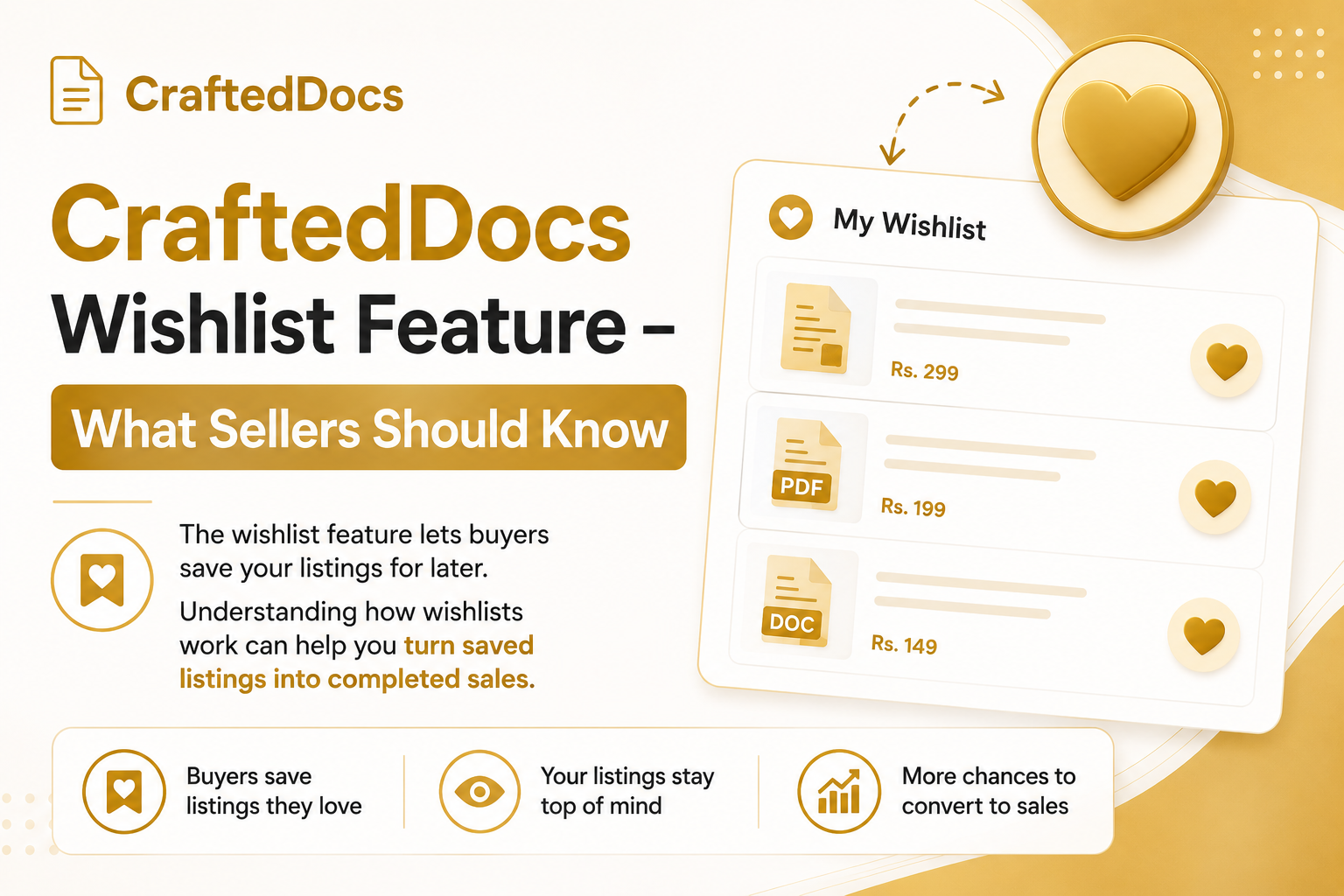
What is the CraftedDocs Wishlist?
The wishlist is a buyer feature that lets users save listings they are interested in but not ready to buy yet. Every product card and product page has a small heart button — buyers tap it to save a listing to their wishlist.
While this is a buyer-facing feature, sellers benefit indirectly because wishlisted listings get converted into sales when buyers return. Understanding how wishlists work helps you optimise your listings to capture those delayed purchases.
How Buyers Use the Wishlist
- Tap the heart icon on any listing to save it
- Saved listings appear in Dashboard → Wishlist tab
- Buyers can browse their wishlist and purchase when ready
- If a buyer un-hearts a listing, it is removed from their wishlist immediately
What This Means for Sellers
When a buyer saves your listing to their wishlist, they are expressing intent to purchase — just not immediately. These are warm leads. Here is how to convert more of them:
Run a time-limited coupon
Share a coupon code in your social channels with a deadline. Buyers who have your listing wishlisted may see the discount and decide to buy now rather than waiting. This is especially effective during exam season.
Keep your listing competitive
A buyer who wishlist your listing at Rs.99 and comes back a week later to find it has gone up to Rs.149 will likely remove it instead of buying. Stable pricing builds trust.
Add a preview file
A buyer who has saved your listing might download the free preview before finally purchasing. If you add a preview after they saved it, the preview button appears the next time they visit — another nudge towards purchase.
Improve your listing regularly
Add more gallery images, improve your description or upload a better preview. Buyers who return to a wishlist item sometimes notice the improvements and feel more confident buying.
Tips to Get More Wishlist Saves
While you cannot see who has wishlisted your listings, more saves generally correlate with more eventual sales. To get more saves:
- Price at a point where buyers hesitate slightly — too cheap and they buy immediately or skip; too expensive and they leave. Wishlist saves often happen in the "interesting but not sure yet" price range.
- Use compelling cover images that stand out in the marketplace grid
- Write descriptions that create desire without fully satisfying it — make buyers want to know more
- Feature a free preview that is genuinely good but leaves buyers wanting the complete version
The Wishlist and Your Analytics
Currently, wishlist save counts are not directly visible in your seller analytics. However, you can infer wishlist activity indirectly — if your views are high but sales take time to come through (delayed conversion), it often means buyers are saving first and purchasing later.
When Buyers Clear Their Wishlist
Buyers can remove items from their wishlist at any time. If a buyer removes your listing, it usually means one of three things:
- They bought it (and no longer need it saved)
- They found something better
- They changed their mind
The best defence against scenarios 2 and 3 is a strong listing — great preview, good reviews, competitive price and clear description of exactly what the buyer gets.
Want to improve your listing conversions? Check your My Documents tab and identify listings with low conversion rates.